
Online PDF Converter – Free and Secure
Good to know: JPG is the most common photo format and works in every app and phone gallery. Read more about JPEG images on Wikipedia or browse our free hotel tools.
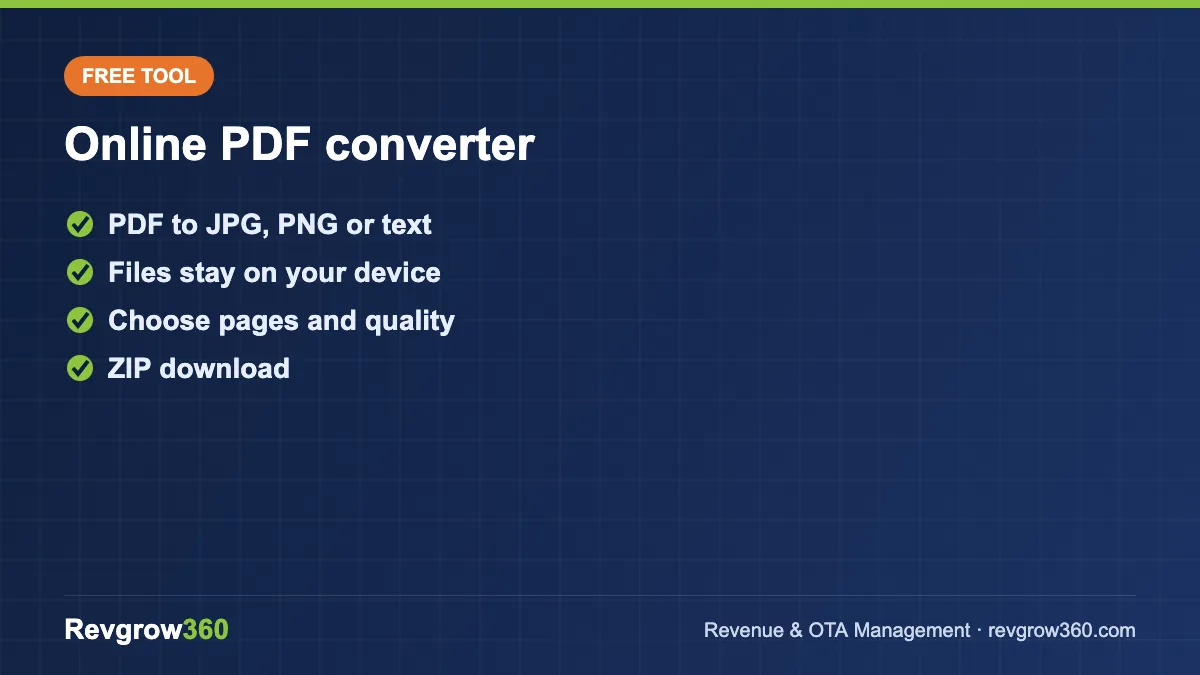
How to convert a PDF to JPG, PNG or text
- Choose or drag and drop your PDF (up to 50 MB).
- Select the output: JPG for smaller files, PNG for sharp text and graphics, or Text to copy the words out of the PDF.
- Optional: enter a page range such as 1-3, 5 and pick the image quality.
- Click Convert. Download each page, or all pages at once as a ZIP file.
Private by design
The conversion happens inside your browser using open-source PDF libraries. Your file is not uploaded to our server, so you can safely convert invoices, menus and internal documents.
Why hotels convert PDFs to images
- Menus and tariff cards: post them on Instagram, Google Business Profile or WhatsApp, which handle images better than PDFs.
- OTA listings: some extranet fields accept only images, for example certificates or floor plans.
- Presentations: drop a page of a report into PowerPoint or Canva as a picture.
- Quick previews for guests who cannot open PDFs on older phones.
PNG or JPG?
PNG keeps text and lines crisp and supports transparency, but files are larger. JPG is smaller and better for photos. For menus and documents choose PNG; for brochures full of photos choose JPG.
Frequently asked questions
Is the converter free?
Yes, free with no sign-up and no watermark.
What is the maximum file size?
Up to 50 MB per PDF. Very large files depend on your device's memory.
Does it work on mobile?
Yes, it works in modern mobile browsers.
More free tools: JPG to PDF, Protect PDF and all hotel tools.