
Protect PDF with a Password – Free Online Tool
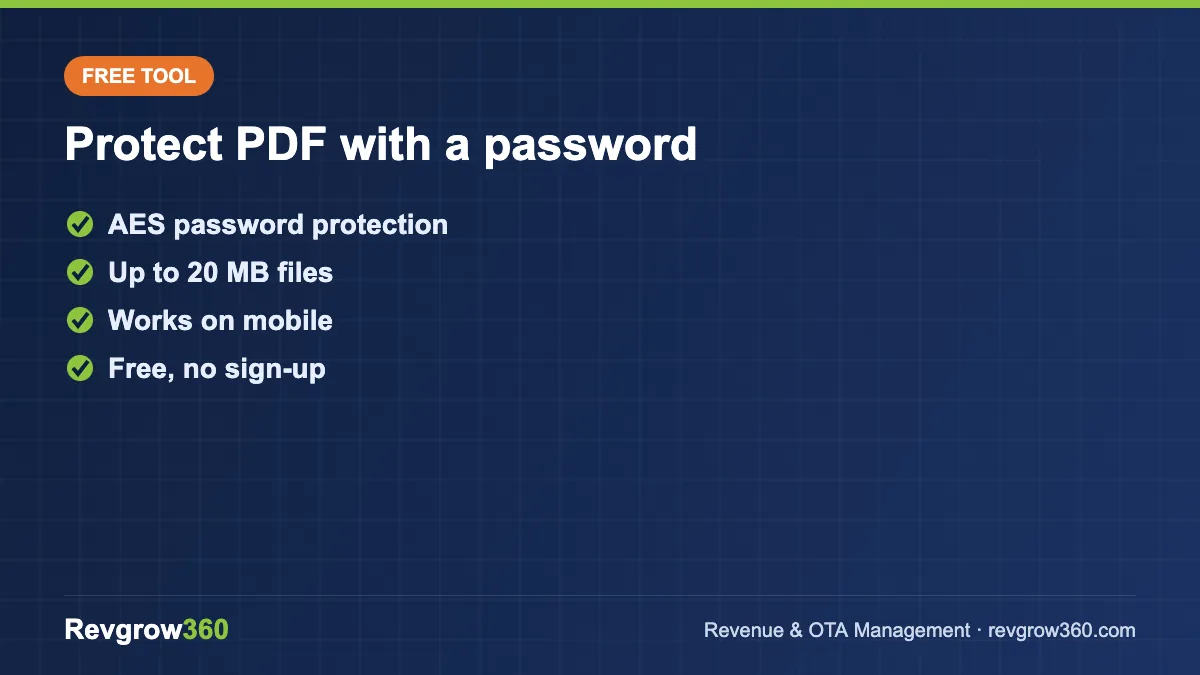
Good to know: password-protected PDFs use encryption defined in the PDF standard. Read more about PDF encryption on Wikipedia or browse our free hotel tools.
How to password-protect a PDF
- Click Select PDF file and choose the document.
- Type a strong password (at least 8 characters, with letters, numbers and a symbol).
- Click Protect PDF, wait a few seconds, then download the protected file.
Anyone who opens the new file will need the password. Keep your original unprotected copy in a safe place, and share the password through a different channel than the file itself, for example send the file by email and the password by phone or WhatsApp.
When hotels should protect PDFs
- Guest documents: registration cards, ID copies and invoices that contain personal details.
- Contracts and rate agreements with travel agents and corporate clients.
- Payroll and HR files: salary slips, appointment letters and staff records.
- Financial reports shared with owners, partners or your accountant.
India's Digital Personal Data Protection Act expects businesses to take reasonable security safeguards for personal data. A password on sensitive PDFs is a simple first step.
How your file is handled
To add the password, your PDF is sent over an encrypted (HTTPS) connection to a third-party PDF processing service, and the protected copy is returned to you for download. Do not upload documents you are not allowed to share with a processing service.
Frequently asked questions
Can I remove the password later?
Yes. Open the file with the password in a PDF editor and save a copy without security, or keep your original unprotected file.
What if I forget the password?
We cannot recover it. Store passwords in a password manager and keep the original file.
Is this tool free?
Yes, it is free to use with no sign-up.
Need more document tools? Try our JPG to PDF converter, PDF to image converter and all free hotel tools.