 By Md Arif Ahamed
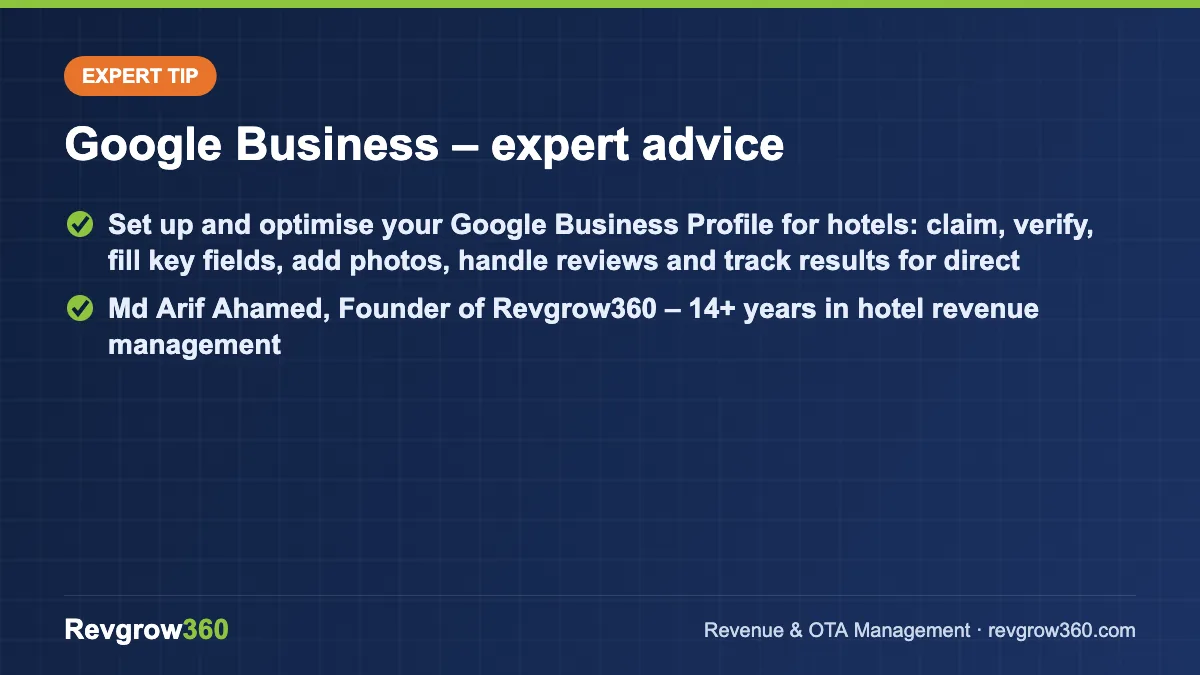
Quick summary: Set up and optimise your Google Business Profile for hotels: claim, verify, fill key fields, add photos, handle reviews and track results for direct bookings.
A Google Business Profile for hotels is the free listing that appears on Google Search and Maps when someone looks for your hotel by name or searches for hotels in your area. It shows your photos, rating, address, phone number, website link, reviews and, in many cases, booking links. A complete and active profile helps you capture direct enquiries and bookings at no commission.
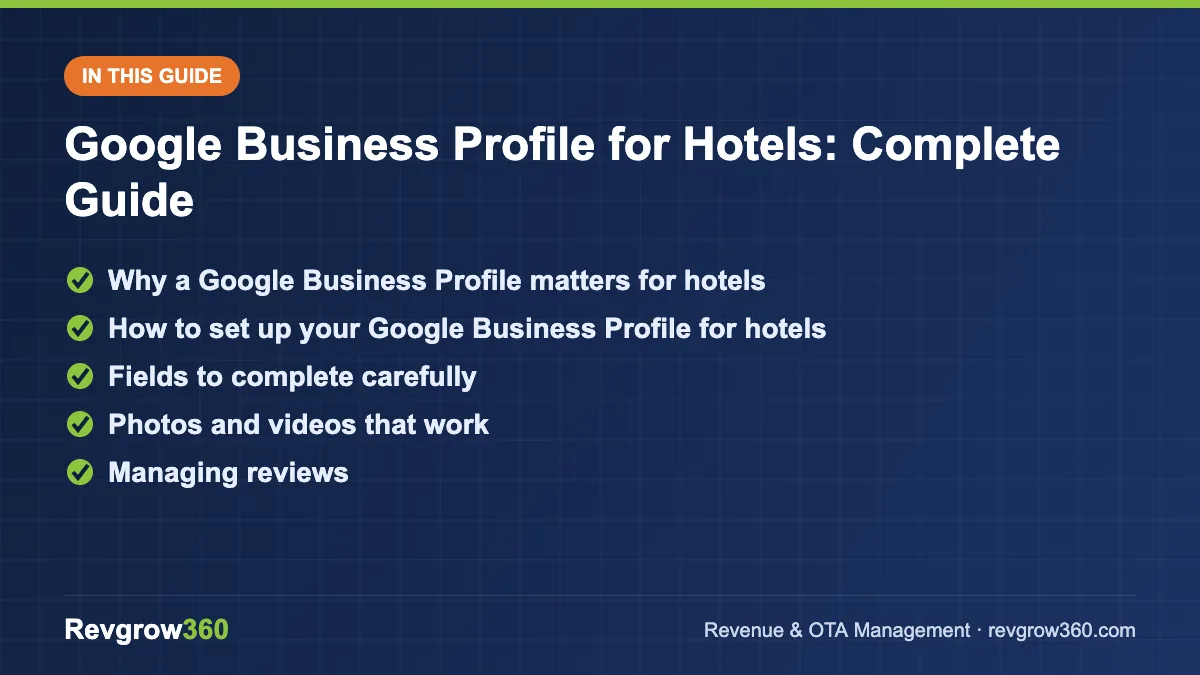
- Claim and verify your listing
- Real photos, accurate details
- Reply to every review
This guide explains how to claim and verify your profile, which fields matter, how to use photos, posts and reviews, how it connects to Google hotel results, and the mistakes that cost visibility. Google changes features and policies often, so check Google’s current help pages for the latest rules.
Why a Google Business Profile matters for hotels
Guests search on Google before they book anywhere. Many search for the hotel name, then compare the Google listing with OTA pages. If your Google listing looks incomplete or outdated, some of that traffic goes to an OTA, which charges commission.
A strong profile also supports local discovery: travellers searching for hotels near a station, temple or beach see profiles in the map results. Your listing works alongside your website; see our hotel SEO guide for the website side and how to increase hotel direct bookings for the wider plan.
| What guests see | Why it matters |
|---|---|
| Photos and videos | First visual impression of rooms and property |
| Rating and reviews | Social proof, often decisive |
| Phone and directions | Fast direct enquiries and navigation |
| Website and booking link | Route to book direct |
| Amenities and description | Helps guests decide fit |
Posts for your Google profile.
How to set up your Google Business Profile for hotels
- Search for your hotel on Google and Maps. An existing listing may already be there. If so, claim it rather than creating a duplicate.
- Sign in with a business account. Use an email address that the owner controls and that more than one trusted manager can access. Add managers through the profile’s user settings.
- Enter accurate business information. Use the exact trading name, address, phone number and website. Avoid keyword stuffing in the name; Google may suspend profiles that do this.
- Select the primary category. Choose the closest hotel type, such as Hotel, Resort or Guest house, and add suitable secondary categories.
- Verify the profile. Google offers verification methods such as a postcard, phone, email or video, depending on the case. Follow the instructions shown.
- Complete every section. Add description, opening details, attributes, amenities, services and a link to your booking engine.
- Add photos and videos. Upload a wide set, covering exterior, lobby, each room type, bathroom, restaurant, views and facilities.
- Turn on messaging and calls if you can respond. Only enable features you can monitor consistently.
Fields to complete carefully
| Field | Best practice |
|---|---|
| Business name | Real name only, matching signage |
| Category | Closest hotel type plus relevant secondary ones |
| Address and map pin | Precise; check the pin location in Maps |
| Phone | A number answered during working hours |
| Website link | Landing page of your site, tagged for tracking |
| Booking link | Your booking engine; see hotel booking engine guide |
| Description | Clear, factual, includes location and key offers |
| Attributes and amenities | Tick everything that is true: Wi-Fi, parking, breakfast, pool, pet friendly |
| Check-in and check-out time | Matches your actual policy |
Photos and videos that work
Photos are the most influential part of the profile. Use natural light and uncluttered rooms. Upload at least a dozen good images, then add new ones through the year, such as festival decoration, new menu items and renovated rooms.
- Use real images, not stock or heavily edited ones.
- Label by category where Google allows: exterior, interior, rooms, food, common area.
- Add a short walkthrough video of a room and the property.
- Replace old or misleading images, especially after renovation.
- Encourage guests to add their own photos, and do not delete negative but genuine ones.
Managing reviews
Reviews influence both conversion and local visibility. Ask every happy guest, politely, to review you, using a short link at check-out or in a thank-you message. Do not offer payment or discounts in exchange for reviews, and do not write fake reviews; both violate Google’s policies and can harm the profile.
Replying to reviews
Positive: “Thank you, Mr. Iyer. We are glad you enjoyed the sunrise view and the breakfast. We look forward to welcoming you again.”
Negative: “We are sorry the AC was not working properly during your stay. This is not our standard. Our manager would like to speak with you; please call us at the number on our profile. We have asked our engineering team to check all units.”
Keep replies short, polite and specific. Never argue publicly or reveal guest details. For a full approach, read hotel online reputation management.
Posts, updates and Q&A
Where the feature is available, use posts to share offers, events, festival packages and seasonal updates. Keep them short, with a clear photo and a link. Check the questions section and answer common queries such as parking, check-in time and distance to attractions, so guests get accurate information directly from you.
Connecting with Google hotel results
Google also shows hotel prices in its hotel search experience, and properties can participate through eligible connectivity partners. This is separate from the free profile, though the two work together. If you want paid or commissionable booking links, read our Google Hotel Ads guide. Confirm availability and requirements with Google and your booking engine provider.
Weekly and monthly routine
| Frequency | Task | Owner |
|---|---|---|
| Daily | Reply to new reviews, calls and messages | Front office / GM |
| Weekly | Add one post or photo set, check Q&A | Marketing |
| Monthly | Check views, calls, direction requests and website clicks | Marketing / revenue |
| Quarterly | Audit photos, description, attributes, link accuracy | GM |
Writing a strong description
Your description should help a guest decide quickly. Open with what the hotel is and where it is, then give the main reasons to stay. A hypothetical example for a 20-room hotel in Darjeeling: “A 20-room family-run hotel five minutes from Mall Road, with mountain-view rooms, a rooftop cafe, free breakfast and easy parking. Our team helps arrange local tours and airport or station transfers.”
Keep it factual, avoid capital-letter shouting and do not stuff keywords. Mention the points guests ask about most: location, distance to key places, breakfast, parking and check-in support.
Measuring results
The profile gives performance data such as views, searches, calls, direction requests and website clicks. Check them monthly. If views are healthy but clicks are low, improve photos, the description and the rating. If clicks are healthy but bookings are low, the problem is probably the website or booking engine, so test it on a mobile phone. Add tracking parameters to your website link so you can see profile visitors in your website analytics.
Common mistakes
- Creating duplicate listings instead of claiming the existing one.
- Keyword stuffing the hotel name.
- Not verifying the profile or losing access to the owner account.
- Wrong phone number or an unanswered line.
- Poor or outdated photos.
- Ignoring reviews or replying defensively.
- Buying or incentivising reviews.
- Booking link pointing to a slow or confusing page.
Protecting your profile
Keep ownership with the business, not with a single employee or an outside agency’s personal account. Add two trusted managers and remove access when staff leave. Watch for suggested edits from the public, which can change your phone number or website. Check the profile once a week, and report fake reviews or competitor spam through Google’s reporting tools.
Key takeaways
- A claimed, verified and complete Google profile captures guests who search for you directly.
- Use accurate information, a correct category and a working booking link.
- Upload real, bright photos and refresh them through the year.
- Reply to every review politely and never buy reviews.
- Track calls, direction requests and website clicks monthly.
Revgrow360 helps hotels turn Google, OTAs and the website into one booking system. Explore digital brand building or request a free audit through our contact page.
For more background, see this Google Business Profile Help.
Frequently asked questions
Is a Google Business Profile free for hotels?
Yes, creating and managing the profile is free. It shows your hotel on Google Search and Maps with photos, reviews and contact details. Paid options such as hotel ads are separate and optional, and you should check current terms with Google.
How do I claim my hotel on Google Maps?
Search for your hotel on Google or Maps, find the existing listing and choose the option to claim or manage it. Sign in with a business account and complete verification as instructed. If none exists, create a new profile with accurate details.
How can I get more Google reviews for my hotel?
Ask satisfied guests politely at check-out or in a thank-you message and share a short review link. Respond to every review. Do not offer payment or discounts for reviews and never post fake ones, as this breaks Google's policies.
What photos should a hotel upload to Google?
Upload bright, real photos of the exterior, lobby, each room type, bathrooms, restaurant, common areas and views, plus a short walkthrough video. Refresh them after renovations, festivals or new menus so the profile always shows the current property.
More Hotel Marketing guides
How to Increase Direct Bookings for Hotels: A Practical Plan
A step-by-step plan to shift more bookings to your own website and phone lines without starting a price war with your OTA…
WhatsApp Marketing for Hotels: Complete Guide
How hotels can use WhatsApp Business to answer enquiries fast, confirm bookings, upsell and bring guests back, with scripts, rules and metrics.
Hotel Email Marketing: Complete Guide
A complete guide to hotel email marketing: building a list, automated and campaign emails, writing, measuring results and avoiding common mistakes.
Guest Communication Plan: Booking to Post-Stay Timeline
Plan every guest message from booking to post-stay: what to send, when and on which channel, with response-time targets, a tone guide…
15 Airbnb Message Templates for Every Stage of a Stay
Copy 15 Airbnb message templates for inquiries, check-in, mid-stay, check-out, problems and reviews, and learn how to schedule them with quick replies.
Instagram Marketing for Hotels: Complete Guide
A practical guide to Instagram marketing for hotels: profile setup, content ideas, reels, ads, collaborations and measurement.