 By Md Arif Ahamed
Quick summary: How to list your hotel on MakeMyTrip and Goibibo via InGo-MMT: documents needed, step-by-step registration, meal plans, rates, photos and first 60 days tips.
For hotels and homestays in India, MakeMyTrip and Goibibo are among the most important booking platforms for domestic travellers. Both belong to the same group, and properties are managed through a single partner extranet called InGo-MMT. That means one registration can put your property in front of guests on both apps. This guide explains how to list your hotel on MakeMyTrip and Goibibo step by step, which documents to keep ready, how to set up rooms and rates properly, and what to focus on after going live so your listing actually gets bookings.
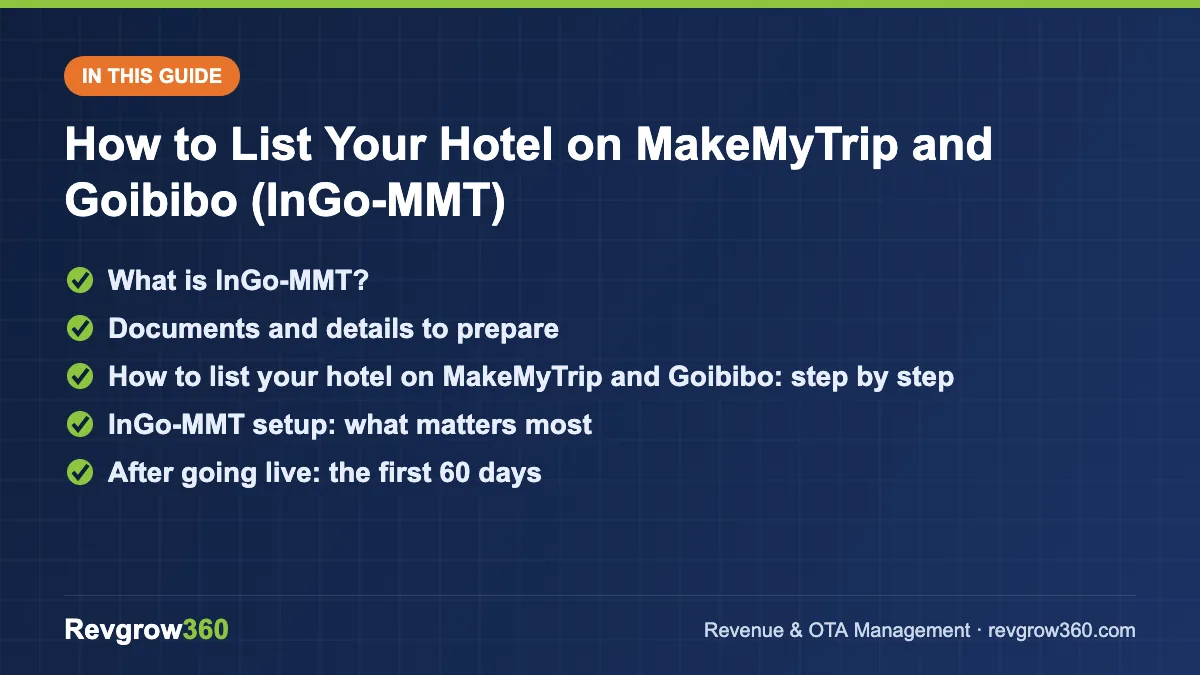
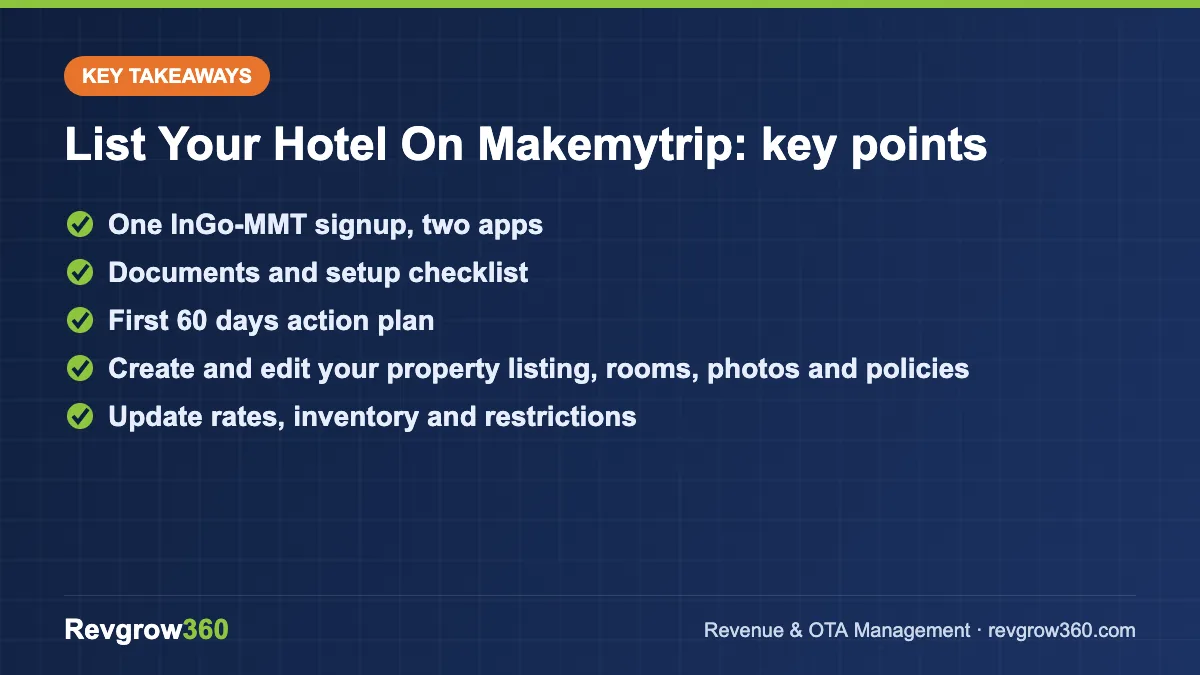
- One InGo-MMT signup, two apps
- Documents and setup checklist
- First 60 days action plan
What is InGo-MMT?
InGo-MMT is the partner platform (available on web and as a mobile app) that hotels, resorts, homestays and other accommodation providers use to manage their listings on MakeMyTrip and Goibibo. Through it you can:
- Create and edit your property listing, rooms, photos and policies
- Update rates, inventory and restrictions
- View, confirm and manage bookings
- Create promotions and offers
- Read and reply to guest reviews
- Track payments and invoices
If you use a channel manager, you will connect it to InGo-MMT so that rates and inventory update automatically along with your other OTAs.
Score your OTA listing and get the top fixes.
Documents and details to prepare
Verification usually requires proof of identity, business and property ownership or right to operate. Requirements may change, so treat this as a preparation list and follow what the platform asks for during onboarding.
- PAN of the business or owner
- GSTIN, if registered (most hotels above the threshold must be)
- Property ownership or lease document, or another proof of the right to operate the premises
- Bank account details and a cancelled cheque or equivalent for payouts
- Owner or authorised signatory ID
- Relevant local licences, where applicable (for example, a homestay registration with the state tourism department, if your state requires it)
- Property information: room types, counts, sizes, bed types, amenities, check-in/check-out times and policies
- Good photos: at least 20 clear images, covering every room type, bathrooms, exterior, common areas and food
How to list your hotel on MakeMyTrip and Goibibo: step by step
Step 1: Sign up on InGo-MMT
Download the InGo-MMT app or open the partner website and register with your mobile number and email. Use contact details that will stay with the business, because booking alerts and payment communication go here.
Step 2: Choose property type
Select the correct type: hotel, resort, homestay, villa, apartment, guest house, hostel and so on. The category affects how guests find you, so pick what genuinely describes your property.
Step 3: Add basic information and location
Enter the property name exactly as it appears on your signage and Google profile, star category (if applicable), year of construction or renovation, and contact details. Drop the map pin on your exact entrance and enter a complete address with landmark and PIN code.
Step 4: Add amenities
Mark all facilities you offer: parking, Wi-Fi, restaurant, room service, lift, power backup, swimming pool, travel desk, and so on. Indian travellers often filter by parking, couple-friendly policy, breakfast and pool, so be thorough and truthful.
Step 5: Create room types
For each room category, add the name, number of rooms, size, bed type, view, base occupancy, maximum occupancy, extra bed policy and room amenities. Make sure family and triple rooms show the correct maximum adults and children.
Step 6: Set rates and meal plans
Indian OTAs commonly use meal plan codes:
- EP (European Plan) — room only
- CP (Continental Plan) — room with breakfast
- MAP (Modified American Plan) — breakfast plus one major meal
- AP (American Plan) — all meals
Set a base rate for each room and plan, plus extra adult and child charges. Keep the structure easy for guests to compare.
Step 7: Upload photos
Photos are often the deciding factor on mobile. Use bright, horizontal images, put the strongest shot first, and assign photos to the correct room types.
Step 8: Set policies
Define check-in/check-out times, cancellation rules, ID requirements, whether unmarried couples and local IDs are accepted, pet policy, and any house rules. Clear policies reduce disputes and negative reviews.
Step 9: Submit documents and accept the agreement
Upload the KYC and property documents and review the commercial terms, including commission and payment cycle. Read the contract fully before accepting.
Step 10: Verification and going live
After review, your listing goes live on MakeMyTrip and Goibibo. Load inventory for at least 6–12 months ahead and check how the listing appears on both apps from a guest’s point of view.
InGo-MMT setup: what matters most
| Area | Why it matters | Best practice |
|---|---|---|
| Photos | Drive clicks on mobile listings | 20+ bright images, all room types, best photo first |
| Meal plans | Guests compare EP vs CP prices | Offer at least EP and CP |
| Inventory | No inventory means no visibility | Open 6–12 months ahead, sync via channel manager |
| Policies | Couple-friendly and ID rules affect filters | State them clearly and accurately |
| Reviews | Influence ranking and conversion | Reply to all, especially negative ones |
| Booking confirmation | Slow or failed confirmations hurt trust | Respond to booking alerts quickly |
| Promotions | Can improve visibility on target dates | Use selectively for low-demand periods |
After going live: the first 60 days
Check your listing on both apps
Search for your property on MakeMyTrip and on Goibibo as a guest would. Check how the main photo, price and amenities appear. Fix anything confusing.
Earn early reviews
A new property with zero reviews struggles to convert. Deliver a strong first experience, ask satisfied guests politely to share feedback, and reply professionally to every review.
Use promotions carefully
InGo-MMT lets you create offers such as last-minute deals, early-bird discounts and length-of-stay offers, and you may be invited to platform campaigns. Choose offers that fill your weak dates, and calculate the effective rate after discount and commission before joining.
Connect a channel manager
If you are also on Booking.com, Agoda or Airbnb, sync everything through a channel manager to avoid overbookings. Our guide to the best channel manager for hotels covers what to check.
Worked example: a 20-room hotel in Puri
A hypothetical 20-room hotel in Puri has 12 Standard rooms and 8 Sea-Facing rooms. The owner lists both room types with EP and CP plans, adds extra-adult charges, and marks parking, restaurant, power backup and lift. The cancellation policy is free cancellation up to three days before arrival, with stricter terms on festival dates.
Inventory is loaded for 12 months through a channel manager connected to MakeMyTrip, Goibibo and Booking.com. In the first month, the owner checks the app listing weekly, replaces two dark room photos and replies to each review. For a slow mid-week period, a limited-time discount is applied only to Standard rooms on Monday to Thursday, rather than discounting the whole calendar.
Common mistakes
- Uploading only a few low-quality photos or pictures of the exterior alone
- Wrong maximum occupancy on family rooms
- Not loading enough future inventory
- Ignoring booking alerts or reviews
- Running deep discounts permanently, which trains guests to wait for deals
- Different prices on different OTAs due to manual updates
Key takeaways
- One InGo-MMT registration can list your property on both MakeMyTrip and Goibibo.
- Keep PAN, GSTIN, property documents and bank details ready to speed up verification.
- Set accurate room types, occupancy and meal plans (EP, CP, MAP, AP).
- Photos, reviews and open inventory strongly influence visibility and conversion.
- Use promotions to fill weak dates, not as a permanent discount.
- Sync with other OTAs through a channel manager.
Setting up a listing is the easy part; keeping it competitive every day is where results come from. Revgrow360 has supported 500+ hotels with OTA setup, content and daily rate management across MakeMyTrip, Goibibo and other platforms. See how our OTA management team works, or book a free consultation to review your InGo-MMT listing.
For more background, see this online travel agency overview on Wikipedia.
Frequently asked questions
Do I need separate listings for MakeMyTrip and Goibibo?
Generally no. MakeMyTrip and Goibibo are part of the same group and partners manage their properties through one extranet, InGo-MMT. A single registration and listing can make your property visible on both platforms, and rates, inventory and bookings are managed from the same dashboard or through your connected channel manager.
What documents are needed to list on InGo-MMT?
Typically you need the PAN of the owner or business, GSTIN if registered, proof of property ownership or lease, bank account details for payouts, and ID of the owner or authorised signatory. Some states require homestay registration too. Requirements can change, so follow the exact list shown during onboarding.
What are EP, CP, MAP and AP meal plans?
These are standard meal plan codes. EP means room only, CP includes breakfast, MAP includes breakfast plus one major meal, and AP includes all meals. Offering at least EP and CP helps guests compare prices easily, and correct meal plan setup avoids confusion at check-in.
How can a new property get bookings on MakeMyTrip faster?
Complete every listing section, upload 20 or more bright photos, open inventory 6 to 12 months ahead, and set clear policies. Reply quickly to booking alerts and reviews, and use targeted promotions for low-demand dates. Early positive reviews from good service are one of the strongest drivers for new listings.
More OTA Management guides
How to Improve Hotel Ranking on OTAs: Key Ranking Factors
OTA ranking follows a clear logic. Learn the factors Booking.com, MakeMyTrip, Agoda and Expedia reward, and a 90-day plan to move your…
Expedia Partner Central Guide for Hotels
Everything a hotel needs to know about Expedia Partner Central, from joining and payment models to promotions, analytics and a simple weekly…
How to List Hotel on EaseMyTrip: Step-by-Step Guide
A practical guide to listing your hotel on EaseMyTrip, with documents, onboarding steps, rate strategy, content tips and a launch checklist.
How to List Hotel on Cleartrip: Step-by-Step Guide
A step-by-step guide to listing your hotel on Cleartrip: documents, profile set-up, rates, policies, going live and getting bookings.
How to List Your Hotel on Agoda (YCS): Step-by-Step Guide
A complete walkthrough of listing a hotel, resort or homestay on Agoda and managing it in YCS, including promotions and the net-rate…
OTA Performance Report: How to Run a Monthly Channel Review
A simple monthly OTA performance report shows which channels really earn their place. Get the KPIs, formulas, a worked example and a…