 By Md Arif Ahamed
Quick summary: How to list hotel on Google Hotels: claim your Business Profile, connect live rates, add photos and get free booking links. Simple steps and mistakes.
To learn how to list hotel on Google Hotels, start by claiming and verifying your Google Business Profile, then connect your rates and availability through a channel manager, booking engine or a Google-supported connectivity partner so your direct website appears in the booking links. Google does not take a normal listing form; it shows hotels from Business Profiles and displays prices from partners. This guide explains the setup, the options and the mistakes to avoid.
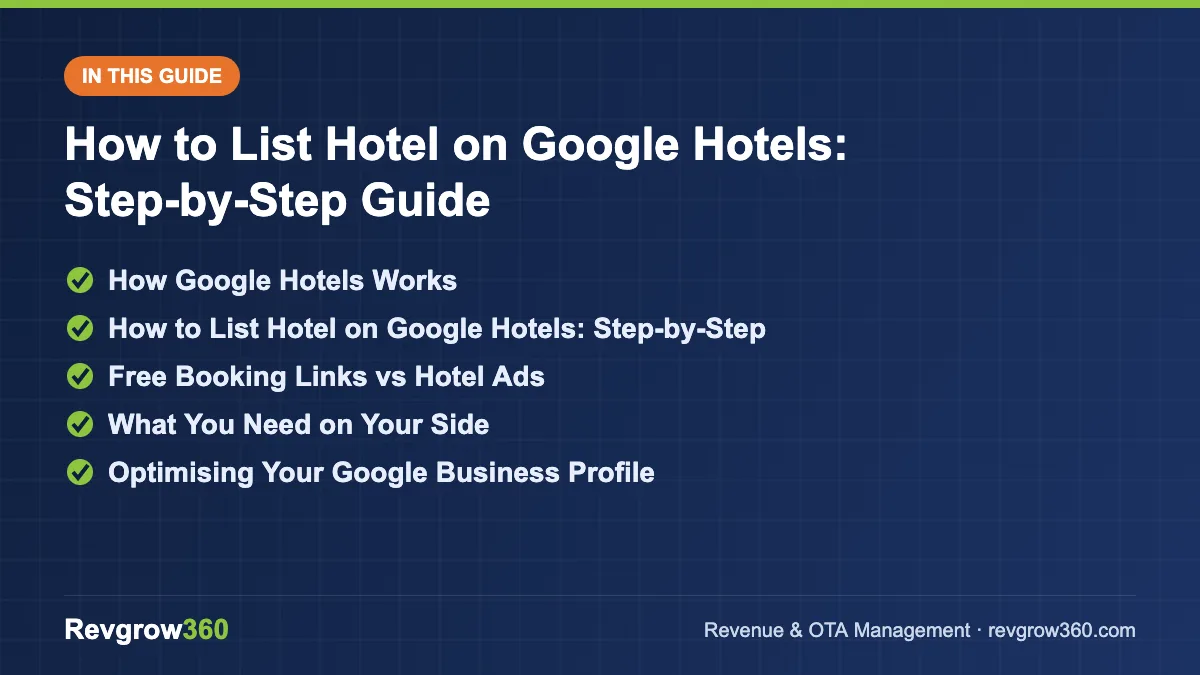
- Claim Google Business Profile
- Connect live rates and links
- Test, monitor and optimise
How Google Hotels Works
Google Hotels is a search and comparison product. A traveller searches for a hotel or destination and sees properties, photos, reviews, prices and booking links. Google does not usually sell the room itself. It sends the guest to a booking partner, which can be an OTA or the hotel’s own website.
Your property has two layers: the basic listing, which comes from Google Business Profile and maps, and the price and booking layer, which comes from partners that supply live rates. Both matter.
Why it matters for hotel owners
Google Hotels is one of the few places where your direct booking link sits next to OTA prices. If your rates are connected and competitive, guests can book direct without paying commission. Our guide to increasing hotel direct bookings explains why this channel is worth the effort.
Score your OTA listing and get the top fixes.
How to List Hotel on Google Hotels: Step-by-Step
- Create or claim your Google Business Profile. Search your hotel name on Google Maps. If a profile exists, claim it. If not, add your business.
- Choose the right category. Select a hotel category such as hotel, resort, lodge or guest house that matches your property.
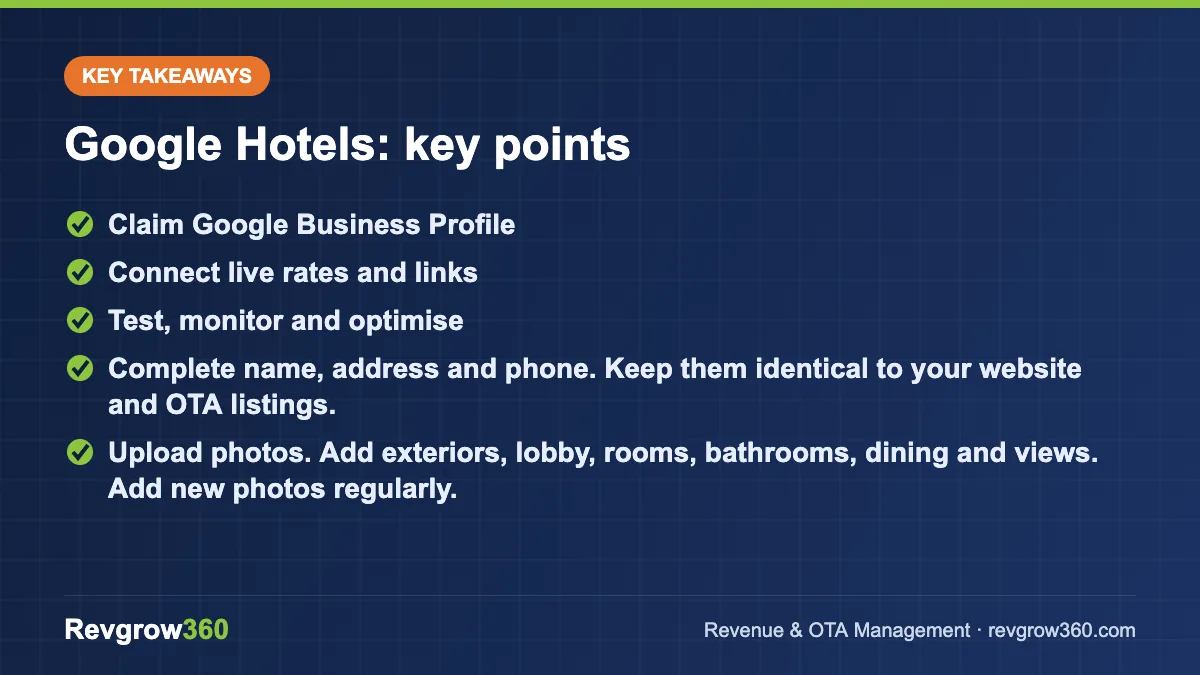
- Complete name, address and phone. Keep them identical to your website and OTA listings.
- Verify the profile. Use the verification method Google offers, such as postcard, phone, email or video.
- Add hotel details. Fill in check-in and check-out times, star category if applicable, amenities, accessibility and policies.
- Upload photos. Add exteriors, lobby, rooms, bathrooms, dining and views. Add new photos regularly.
- Add your website link. Use a URL that goes to a working booking page.
- Connect rates and availability. Use your channel manager, booking engine or another Google-approved connectivity partner to send live prices for free booking links, or set up Google Hotel Center for ads. Ask your provider which Google options they support.
- Test the booking link. Search your hotel with sample dates and confirm that the price and room type match your website.
- Monitor and improve. Track views, clicks and bookings and respond to reviews.
Free Booking Links vs Hotel Ads
| Option | How it works | Cost | Best for |
|---|---|---|---|
| Free booking links | Your rates appear as an additional booking option on your listing | No click cost, but setup via a partner may have a fee | Every hotel with a booking engine |
| Hotel ads (Google Hotel Center) | You bid for placement above or among results | Per click or commission, depending on the model | Hotels with strong rate competitiveness and budget |
Details, eligibility and costs change, so confirm them with your provider and in the official Google help pages. For paid options, read our Google Hotel Ads guide.
What You Need on Your Side
- A mobile-friendly website with a working booking engine. See our hotel booking engine guide.
- A channel manager or connectivity partner to push live rates and inventory.
- Rate parity, so your direct price is equal to or better than OTA prices.
- Consistent name, address and phone across every channel.
- Payment and tax display that is clear to the guest.
If your website cannot accept bookings, Google may still show your property, but guests will click the OTA instead. Before investing in ads, make sure the direct experience converts.
Optimising Your Google Business Profile
Photos and description
Add at least 20 to 30 clear photos. Profiles with strong visuals get more clicks. Write a short description that names the location, hotel type and what makes you different, for example “a 40-room business hotel five minutes from the airport in Kolkata”.
Amenities and attributes
Tick every amenity that is true, such as free Wi-Fi, breakfast, parking, airport shuttle and power backup. These attributes help filters.
Reviews
Ask happy guests to leave a Google review through a link or QR code at check-out, and reply to every review. Good reputation management helps conversion; see our hotel online reputation management guide.
Common Mistakes When Listing on Google Hotels
- Not verifying the Google Business Profile, which blocks edits.
- Inconsistent hotel name, address or phone across channels.
- Sending rates that differ from the website, which causes mismatch errors and lost clicks.
- Poor mobile booking page, long forms or missing payment methods.
- Ignoring reviews and Q and A on the profile.
- Running ads before the rate and booking flow are tested.
- Leaving duplicate profiles unmerged.
Monthly Maintenance Checklist
| Task | Frequency |
|---|---|
| Check profile details, hours and contact info | Monthly |
| Add new photos | Monthly |
| Reply to all new reviews | Weekly |
| Test booking link with sample dates | Monthly |
| Compare your Google price with OTAs | Weekly |
| Review views, clicks and bookings | Monthly |
Understanding the Google Hotels Results Page
When a traveller searches, Google shows a map and a list of properties with a starting price, rating and key amenities. Clicking a property opens a page with an overview, prices, photos, reviews and about sections. The prices tab lists booking options from different partners, and your own website can sit in that list when rates are connected.
Guests can filter by price, rating, star class, amenities and free cancellation. If your attributes are incomplete, you may not show up for those filters. That is why a thorough profile has real value, even before you spend on ads.
Rate and availability accuracy
Google checks the price and availability it shows against the destination page. If a guest clicks and finds a different price, the experience is poor and the listing may lose visibility. Make sure taxes, breakfast inclusion, cancellation terms and room names match across your channel manager, booking engine and website. A 30-room hotel in Jaipur that shows a tax-inclusive price on Google but tax-extra on its site will see more drop-offs.
Which Partner Should Send Your Rates?
You do not have to build the connection yourself. Most hotels use one of three routes: their booking engine, their channel manager or a specialist connectivity partner. Ask each of them:
- Do you support Google free booking links for hotels in India?
- What is the setup time and cost, if any?
- Can you send multiple room types and rate plans, including member or mobile rates?
- How do you report clicks and bookings?
Compare the answers before choosing. Our guides on the hotel channel manager and hotel rate parity help you judge what to ask for.
Example: A 25-Room Hotel in Udaipur
Suppose a 25-room hotel in Udaipur claims its profile, adds 40 photos, connects its booking engine and keeps direct rates at least equal to OTAs. Within weeks it should see direct booking link clicks in its engine analytics. If it has 2,000 monthly profile views and 3% of them lead to a booking click that converts at 10%, that is about six direct bookings a month from the profile alone. The numbers are illustrative, but they show why improving each step, from views to clicks to conversion, adds up.
How Long Until Results Show
Do not expect instant traffic. After verification and a working rate feed, allow a few weeks to see a steady pattern of views and clicks, and review results monthly. If clicks are low, improve photos and price competitiveness first, then consider ads.
Key Takeaways
- Start with a verified Google Business Profile; Google Hotels builds on it.
- Live rates through a channel manager or booking engine unlock direct booking links.
- Keep direct rates equal to or better than OTAs.
- Photos, reviews and accurate attributes drive clicks.
- Confirm eligibility and costs with your provider and Google’s help pages.
Revgrow360 can audit your Google presence, rate parity and booking flow. Learn about our channel manager guidance or request a free hotel audit.
For more background, see this online travel agency overview on Wikipedia.
Frequently asked questions
Is listing on Google Hotels free?
Your Google Business Profile is free, and free booking links do not charge per click. However, connecting rates may need a booking engine, channel manager or connectivity partner that has its own fees. Paid hotel ads are optional and priced separately.
Do I need a website to appear on Google Hotels?
You can appear through your Business Profile even without one, but a working website with a booking engine is needed to show direct booking links. Without it, guests mostly click through to OTA prices instead of booking with you.
How long does it take for rates to show on Google Hotels?
Timing depends on verification, your partner's integration and Google's review. Basic profile updates can show within days, while live rate connections may take longer. Ask your channel manager or booking engine provider for their expected timeline.
Why is my hotel not showing prices on Google?
Common causes are an unverified profile, no connected rates, mismatched prices or availability, a broken booking link or ineligible partner setup. Test sample dates, compare with your website and ask your connectivity provider to check the feed.
More OTA Management guides
How to List Property on Airbnb India: Step-by-Step Guide
A practical 12-step guide to listing a homestay, villa or apartment on Airbnb in India, with pricing, photo and calendar tips.
How to List Hotel on Hotels.com: Step-by-Step Guide
A step-by-step guide to listing a hotel on Hotels.com via the Expedia Group partner process, with pricing, inventory and optimisation tips.
How to List Hotel on Trip.com: Step-by-Step Guide
A practical guide to listing a hotel on Trip.com, from documents and photos to rates, contract checks and post-launch optimisation.
Airbnb vs Booking.com for Hotels and Homestays: Which to Use?
Airbnb and Booking.com attract different guests and suit different properties. Compare the two and learn how to run both without double bookings.
Hotel Distribution Strategy: Balancing OTAs, Direct, GDS and More
Your channel mix decides how much of each booking you keep. Learn how to balance OTAs, direct, GDS and wholesalers with a…
How to Improve Hotel Ranking on OTAs: Key Ranking Factors
OTA ranking follows a clear logic. Learn the factors Booking.com, MakeMyTrip, Agoda and Expedia reward, and a 90-day plan to move your…