 By Md Arif Ahamed
Quick summary: A practical SOP for no-show processing in hotels: contact steps, release times, OTA reporting, charges, scripts, formulas and a checklist for front desks.
An SOP for no-show processing defines exactly what hotel staff do when a guest with a confirmed booking does not arrive: how long to wait, whom to contact, when to release the room, how to charge, how to report to OTAs and how to record everything. Following a clear procedure helps a hotel recover lost revenue legitimately, resell rooms quickly and avoid disputes with guests and booking platforms.
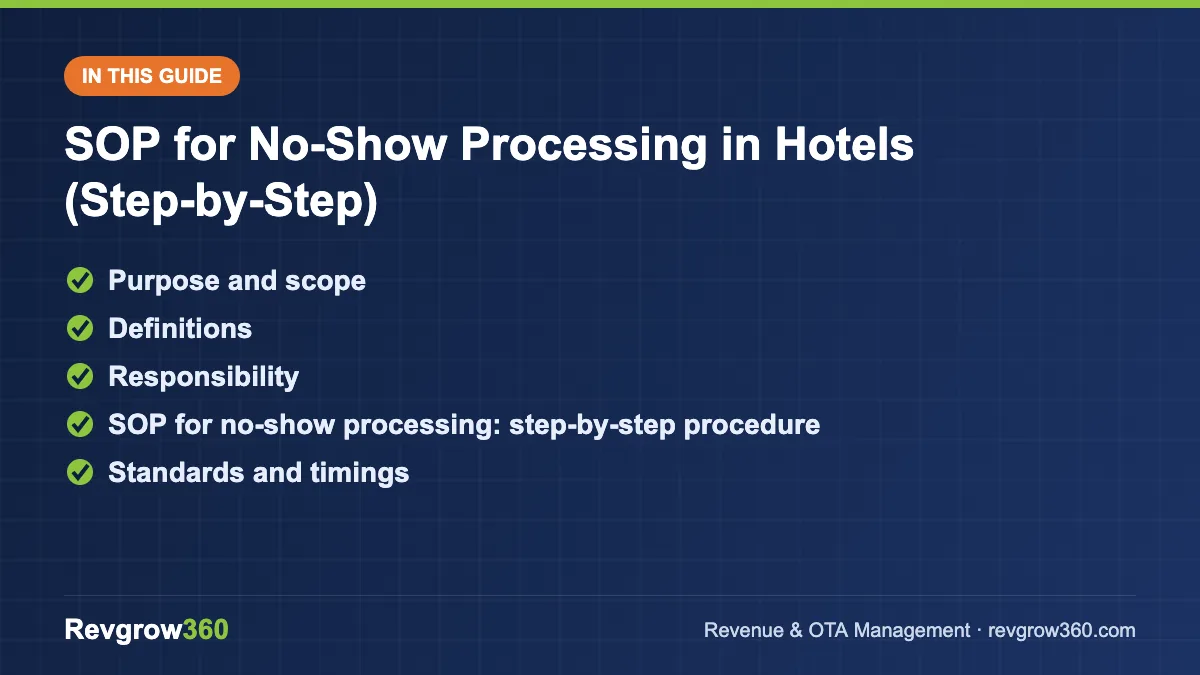
- Call twice and record attempts
- Release rooms per policy
- Report OTA no-shows in time
No-shows hurt in two ways. The room goes unsold for a night, and the hotel often does not know until late. This SOP shortens that gap and makes the charge defensible.
Purpose and scope
Purpose: to process no-show reservations consistently, protect revenue, free inventory for resale and keep accurate records.
Scope: all reservations from direct, OTA, corporate, travel agent and group sources that do not arrive on the day of arrival and have not cancelled or contacted the hotel.
Download 30 ready SOPs in Word or PDF.
Definitions
| Term | Meaning |
|---|---|
| No-show | A guest with a confirmed reservation who does not arrive and has not cancelled |
| Late arrival | A guest who informs the hotel they will arrive after the usual check-in or cut-off time |
| Guaranteed booking | A booking secured by a card, deposit or prepayment; the hotel may charge a no-show fee as per terms |
| Release time | Time after which a non-guaranteed room is returned to inventory, such as 6 pm or 8 pm |
| Cut-off | Time when the night auditor finalises the no-show list |
Revenue Health Score · free
Free tool: check your hotel’s revenue health
Answer a few quick questions about your rooms, rates, OTAs and reviews. Get a score out of 100, your weakest revenue areas and the first actions to fix them.
Responsibility
| Role | Responsibility |
|---|---|
| Front desk agent | Monitors arrivals list, contacts guests, notes responses |
| Reservations | Checks booking terms, contacts guest or agent and updates channel manager |
| Night auditor | Marks no-shows in PMS, posts charges, prepares report |
| Duty manager | Approves waivers, handles disputes, authorises early release of rooms |
| Revenue manager | Reviews no-show rates, policy and overbooking levels |
| Accounts | Handles OTA claims and invoices for no-show payments |
SOP for no-show processing: step-by-step procedure
- Prepare the arrival list. In the morning, print or open the list of expected arrivals with rate plan, payment type, guest phone and flight or train details if available.
- Pre-arrival contact. For high-value or uncertain bookings, send a confirmation message and ask for the expected arrival time.
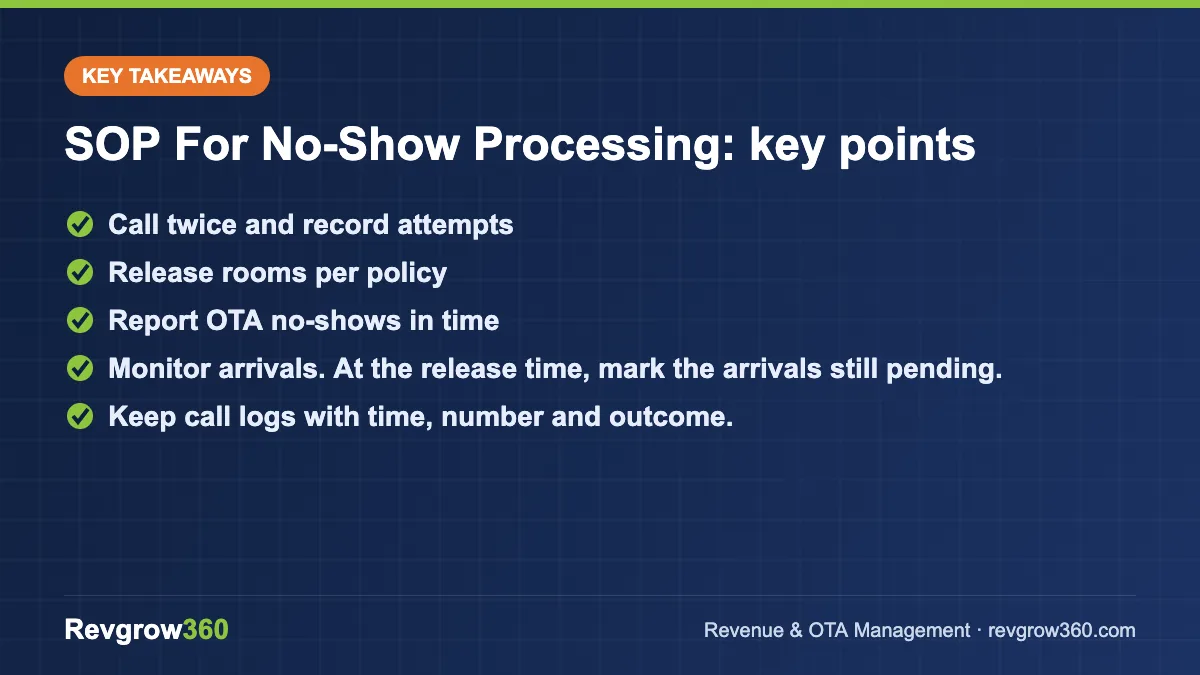
- Monitor arrivals. At the release time, mark the arrivals still pending.
- Attempt contact. Call the guest at least twice and send a WhatsApp or SMS message. For OTA bookings, use the contact details in the extranet and the platform messaging tool where allowed. Record each attempt with time.
- Check the booking terms. Confirm whether the booking was guaranteed, prepaid, non-refundable or pay-at-hotel, and what the cancellation policy says.
- Hold or release. For non-guaranteed bookings, release the room at the agreed time, unless the guest has said they are arriving late. For guaranteed bookings, hold until the late cut-off (for example 11 pm or the next morning, according to your policy).
- Decide on resale. If demand is strong, resell the room to walk-ins and online guests. Inform the revenue manager so that the channel manager reopens inventory. See hotel demand forecasting.
- Mark the no-show. At the cut-off time, the night auditor marks the reservation as no-show in the PMS and posts the no-show charge when applicable.
- Report to the OTA. For OTA bookings, report the no-show within the platform’s time window and as per its current rules. Keep evidence of contact attempts. Verify the steps on the platform’s partner help centre.
- Charge and invoice. For direct bookings, charge the card or deposit according to terms. For OTA prepaid bookings, claim the amount through the platform. Issue an invoice or receipt as required, and confirm tax treatment with your CA.
- Record and review. Enter the reason if known, the amount collected and the staff who processed. Share the report with the revenue manager each morning.
Standards and timings
| Activity | Standard |
|---|---|
| First call to pending guest | 1 hour after expected arrival time or at 6 pm |
| Second attempt and message | 1 hour after first attempt |
| Release of non-guaranteed room | At the release time stated in the booking terms |
| No-show marked in PMS | At night audit, before day close |
| OTA no-show report | Within the platform’s time window; usually after the first night has passed |
| Daily no-show report to revenue manager | Before 9 am the next day |
Sample scripts
Call to a guest who has not arrived
“Good evening, this is Hotel Example in Kolkata calling for Mrs Roy. Your booking for tonight is confirmed, but we have not seen you yet. Are you still planning to arrive? If yes, may I know your expected time so we can hold your room?”
Message to send
“Hello Mr Singh, your reservation at Hotel Example for 12 March is still held. Please let us know your arrival time. If we do not hear from you by 9 pm, the booking may be treated as a no-show as per the booking terms.”
Dos and don’ts
Do
- Keep call logs with time, number and outcome.
- Read the exact cancellation and no-show terms of the rate plan.
- Be polite if the guest calls later with a genuine reason, and escalate to the duty manager.
- Use the data to review your overbooking strategy.
Don’t
- Release a guaranteed room before the agreed time.
- Mark a no-show without attempting contact.
- Charge more than the booking terms allow.
- Give away a room without updating inventory, which may cause a double booking.
Special cases
Guest arrives late after release
If the guest arrives after a non-guaranteed room was released, check availability first. If a room is free, check them in at the current rate and apologise for the inconvenience. If not, follow the walking procedure and help find another hotel. Do not blame the guest in front of others.
Guest calls to say flight or train is delayed
Note the new expected time, extend the hold if the booking is guaranteed and inform the night shift. Record the guest’s phone number and the name of the person who took the message.
Group and corporate bookings
Contact the group coordinator or company travel desk rather than each guest. Agree on the rooming list changes in writing, and follow the attrition and cancellation terms in the contract.
Disputed charges
If a guest disputes a no-show fee, the duty manager should review the booking terms, call log and any messages. A genuine emergency may justify a waiver or credit. Record the decision and the reason, and keep it consistent across similar cases.
Analysing no-shows
Track no-show percentage by channel, rate plan and day of week. A simple formula is: No-show rate = No-show reservations / Total expected arrivals x 100. If a 50-room hotel expects 40 arrivals and 3 do not arrive, the rate is 3/40 = 7.5 percent. Compare across channels. Pay-at-hotel, flexible rates and last-minute bookings often show higher figures, while prepaid non-refundable bookings show lower. See hotel KPIs for related measures.
Reduce no-shows with confirmation messages, deposits for peak dates and clear terms. Offering a consistent rate across channels helps manage terms as well.
Training and audit
Train front desk, reservations and night audit teams together on this procedure, using three sample bookings: a prepaid OTA booking, a pay-at-hotel direct booking and a group room. Audit a sample of no-show records every month to confirm that contact attempts were logged and charges match booking terms.
No-show processing checklist
| Step | Done |
|---|---|
| Arrival list checked in the morning | |
| Pending guests called twice and messaged | |
| Booking terms and payment type confirmed | |
| Room released or held per policy | |
| Inventory reopened in channel manager | |
| No-show marked and charged at night audit | |
| OTA report filed within window | |
| Daily report sent to revenue manager |
Key takeaways
- A good SOP for no-show processing combines contact attempts, clear terms and quick release of rooms.
- Always record call attempts and evidence before charging.
- Report OTA no-shows within the platform’s window and follow its current rules.
- Track no-show rate by channel and use it to adjust overbooking and deposits.
Revgrow360 helps hotels reduce revenue leakage from no-shows and cancellations. Book a free consultation to review your policies.
For more background, see this standard operating procedure on Wikipedia.
Frequently asked questions
What is a no-show in a hotel?
A no-show is a guest with a confirmed reservation who does not arrive on the arrival date and has not cancelled or contacted the hotel. The hotel may charge according to the booking terms, depending on the rate plan and payment guarantee.
How long should a hotel hold a room for a no-show?
It depends on your policy and booking terms. Non-guaranteed rooms are often released at an agreed evening time, while guaranteed bookings may be held until late night or the next morning. State the time in the booking terms and apply it consistently.
How do I report an OTA no-show?
Use the report no-show option in the OTA extranet within the platform's time window, and keep evidence of contact attempts. Rules and deadlines differ and change, so confirm the current process on each platform's partner help centre.
How do I calculate no-show rate?
Divide no-show reservations by total expected arrivals and multiply by 100. For example, 3 no-shows out of 40 expected arrivals is 7.5 percent. Track it by channel, rate plan and day of week to find patterns.
More Hotel SOP guides
SOP for Overbooking and Walking Guests in Hotels
A practical SOP for handling overbooking and walking guests: relocation order, alternative hotels, scripts, costs and review steps.
SOP for Early Check-in Request in Hotels (Step-by-Step)
A step-by-step SOP for handling early check-in requests: policy options, responsibilities, timings, scripts and a request log.
SOP for Late Check-out Request in Hotels (Step-by-Step)
A step-by-step SOP for handling late check-out requests, with a policy framework, scripts, a worked example and a checklist.
SOP for Foreign Currency Exchange in Hotels (India)
A cautious SOP for foreign currency exchange requests at hotels in India, with referral steps, authorised-dealer procedure and scripts.
SOP for Cash Handling at Front Desk in Hotels
A step-by-step SOP for cash handling at the hotel front desk, covering floats, receipts, drops, handover, variances and a daily checklist.
SOP for Night Audit in Hotels (Step-by-Step)
A complete night audit SOP with step-by-step procedure, timings, reports, a checklist and tips to protect hotel revenue.
Free PDF checklist
Where is your hotel losing money?
27 quick checks on pricing, OTAs, reviews and direct bookings, with the first fix for every leak.
Get the free checklist →