 By Md Arif Ahamed
Quick summary: Learn how to list your hotel on Agoda step by step: partner registration, YCS extranet setup, rooms, rates, taxes, promotions and a launch checklist.
Agoda is a major online travel agency with particularly strong reach among travellers within Asia, which makes it valuable for Indian hotels targeting guests from Southeast Asia, the Middle East and domestic app users. Hotels manage their Agoda listing through an extranet called YCS (Yield Control System). If you want to list your hotel on Agoda, this guide walks you through registration, the YCS dashboard, rate and room setup, and the settings that improve your listing once it is live. It applies equally to hotels, resorts, homestays and serviced apartments.
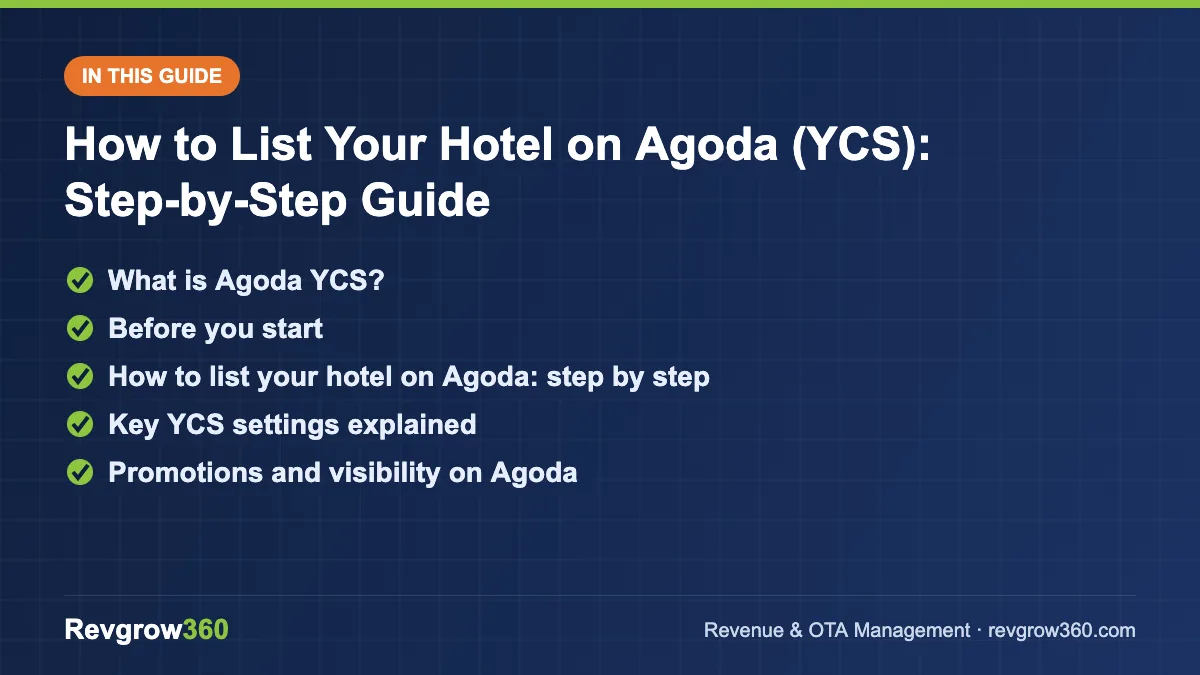
- Register and set up YCS
- Rooms, rates, taxes, photos
- Promotions with net-rate check
What is Agoda YCS?
YCS is Agoda’s partner extranet, accessed at ycs.agoda.com after your property is registered. From YCS you can:
- Update rates, allotments and restrictions on a calendar
- Manage room types, rate plans, policies and content
- View and manage bookings
- Create promotions and join visibility programmes
- Reply to reviews and guest messages
- See performance reports and payment information
Most properties eventually connect YCS to a channel manager so rates and inventory update automatically with other OTAs.
Score your OTA listing and get the top fixes.
Before you start
Have these ready to complete registration without delays:
- Property legal name, trading name and full address
- Owner or company details and authorised contact person
- Tax details such as PAN and GSTIN, if applicable
- Bank account details for payouts
- Room types with counts, bed types, sizes, maximum occupancy and amenities
- Rates for each room type and planned meal options
- Policies: check-in/check-out, cancellation, children, extra beds, deposits
- 20–30 good-quality photos covering all room types and public areas
How to list your hotel on Agoda: step by step
Step 1: Register as a partner
Go to Agoda’s partner sign-up page and choose whether you are listing a hotel-type property or a home (apartment, villa, homestay). Agoda Homes is the part of the platform aimed at home-style properties, while hotels and resorts follow the standard hotel flow.
Step 2: Enter property details
Add your property name, type, star rating (if applicable), address and precise map location. Consistency matters: use the same name and address as your Google Business Profile and website.
Step 3: Add facilities and services
Select all amenities you provide: Wi-Fi, parking, restaurant, pool, gym, airport transfer, 24-hour front desk, family rooms and so on. These feed Agoda’s search filters.
Step 4: Create room types
For each room type, enter the name, number of rooms, size, bed configuration, maximum adults and children, extra bed options, view and in-room amenities. Check that occupancy matches reality, especially for family rooms and suites.
Step 5: Set rates and rate plans
Enter a base rate for each room. Typical rate plans include a flexible rate, a non-refundable rate and a breakfast-included rate. You can add more later, but start simple.
Step 6: Upload photos and description
Upload bright, horizontal, high-resolution photos with the best image first. Write a factual description: location, nearby attractions, key facilities and what makes the stay distinctive.
Step 7: Define policies
Set cancellation rules, child policies, extra bed charges, check-in/check-out times and any mandatory fees. Make sure taxes are configured correctly, so guests see the right final price.
Step 8: Sign the contract and complete verification
Review the commercial terms, including commission and payment method, then accept. Agoda may verify the property and ownership before activation.
Step 9: Open inventory in YCS
Once live, load rates and allotments for at least 12 months. In YCS, allotment is the number of rooms you make available to Agoda per date. If you use a channel manager with pooled inventory, availability will be managed automatically.
Step 10: Test and review
Search for your property on the Agoda website and app. Check the main photo, room names, prices with taxes, and how your cancellation policy appears.
Key YCS settings explained
| YCS setting | What it controls | Tip |
|---|---|---|
| Rates and allotment calendar | Price and rooms available per date | Keep 12 months open; sync via channel manager |
| Rate plans / channels | Different prices for different conditions or audiences | Avoid too many overlapping plans |
| Restrictions | Minimum stay, closed to arrival/departure | Use on peak dates only |
| Promotions | Discounts such as early bird, last minute, length of stay | Calculate net rate after discount and commission |
| Property content | Photos, facilities, descriptions | Complete every section; update seasonally |
| Reviews | Guest feedback and your replies | Reply professionally to every review |
| Taxes and fees | How the final price is calculated | Double-check GST settings so totals are correct |
Promotions and visibility on Agoda
YCS offers several promotion types, for example early-bird, last-minute, length-of-stay and customised deals for particular dates or audiences. Agoda also runs optional visibility programmes (such as its growth programmes) where properties accept a higher commission or offer discounts in return for better exposure. Before joining any programme, run a simple calculation:
Net rate = Selling rate × (1 − discount %) × (1 − commission %)
Example: a selling rate of ₹5,000 with a 15% promotion and a hypothetical 18% commission gives ₹5,000 × 0.85 × 0.82 = ₹3,485 net. If your net after promotion is still above your target and the dates genuinely need demand, the promotion may make sense. If you are already filling those dates, it probably does not.
Worked example: a 25-room resort in Kerala
A hypothetical 25-room resort in Munnar sees good domestic weekend demand but weak mid-week occupancy, and wants more international guests. After listing on Agoda, the team:
- Creates three rate plans: flexible with breakfast, non-refundable with breakfast, and a half-board plan.
- Opens 12 months of inventory through its channel manager.
- Uploads 35 photos including plantations, rooms, bathrooms and dining.
- Sets a length-of-stay offer for 3+ nights only on Monday to Thursday arrivals.
- Reviews performance in YCS reports every two weeks and pauses promotions on dates that fill without them.
The focus is on targeted, measurable actions rather than discounting every date.
Common mistakes on Agoda
- Leaving tax settings incorrect, so the final price at checkout surprises guests
- Stacking several promotions on the same dates without realising the combined discount
- Keeping only a short window of inventory open
- Using generic or very few photos
- Updating rates manually in YCS while also using a channel manager
- Not replying to reviews
Agoda listing checklist
- Correct property type, name and map pin
- All facilities ticked accurately
- Room types with correct occupancy and bed types
- Flexible, non-refundable and meal-inclusive plans
- Taxes and fees verified with a test search
- 12 months of inventory open
- Channel manager connected
- Promotions checked for stacking and net rate
Key takeaways
- Agoda’s extranet, YCS, is where you manage rates, allotments, content, promotions and reviews.
- Prepare property, tax, bank, room, rate and photo details before registering.
- Correct occupancy, taxes and policies prevent lost searches and guest complaints.
- Always calculate the net rate after discount and commission before joining a promotion.
- Connect Agoda to a channel manager and keep 12 months of inventory open.
Agoda can be a strong channel for the right property, especially when it is managed alongside your other OTAs with clear pricing rules. Revgrow360 has supported 500+ hotels with OTA listings, promotions and rate strategy. Learn more about our OTA management services and listing content management, or get a free hotel audit.
Frequently asked questions
What is YCS on Agoda?
YCS stands for Yield Control System, Agoda's partner extranet. Properties use it to manage rates, room allotments, restrictions, content, promotions, bookings, reviews and payment details. Once your property is registered and approved, you log in to YCS to run your listing, or connect it to a channel manager to sync automatically.
Can homestays and apartments list on Agoda?
Yes. Agoda accepts home-style properties such as homestays, villas and apartments through Agoda Homes, alongside traditional hotels and resorts. Choose the correct property type during registration, add accurate occupancy and house rules, and upload clear photos of every room and shared space.
How do Agoda promotions affect my revenue?
Promotions reduce your selling price, and commission is charged on top, so the net rate can fall quickly. Calculate net rate as selling rate times one minus discount times one minus commission. Use promotions mainly on dates that need demand, and check that multiple promotions are not stacking on the same dates.
Should I update rates in YCS or my channel manager?
If you use a channel manager, update rates and availability there and avoid manual changes in YCS. Manual edits can be overwritten at the next sync or cause mismatches with other OTAs. Use YCS for content, promotions, reviews and reports that the channel manager does not control.
More OTA Management guides
How to Improve Hotel Ranking on OTAs: Key Ranking Factors
OTA ranking follows a clear logic. Learn the factors Booking.com, MakeMyTrip, Agoda and Expedia reward, and a 90-day plan to move your…
Expedia Partner Central Guide for Hotels
Everything a hotel needs to know about Expedia Partner Central, from joining and payment models to promotions, analytics and a simple weekly…
How to List Hotel on EaseMyTrip: Step-by-Step Guide
A practical guide to listing your hotel on EaseMyTrip, with documents, onboarding steps, rate strategy, content tips and a launch checklist.
How to List Hotel on Cleartrip: Step-by-Step Guide
A step-by-step guide to listing your hotel on Cleartrip: documents, profile set-up, rates, policies, going live and getting bookings.
OTA Performance Report: How to Run a Monthly Channel Review
A simple monthly OTA performance report shows which channels really earn their place. Get the KPIs, formulas, a worked example and a…
How to Reduce OTA Dependence: A 90-Day Plan for Hotels
Keep OTAs for reach while you grow direct bookings. Learn the billboard effect, set a channel mix target and follow a practical…