 By Md Arif Ahamed
Quick summary: PMS training for front office made simple: learning goals, a 7-day plan, role-play scripts and ways to measure errors, check-in time and audit accuracy.
PMS training for front office is a structured programme that teaches reception staff to use the hotel’s property management system accurately and quickly, from reservations and check-in to billing and night audit. A good programme runs 5 to 10 working days, mixes demonstrations with live practice in a test environment, and ends with a practical assessment. Done well, it cuts booking errors, shortens check-in time and protects revenue.
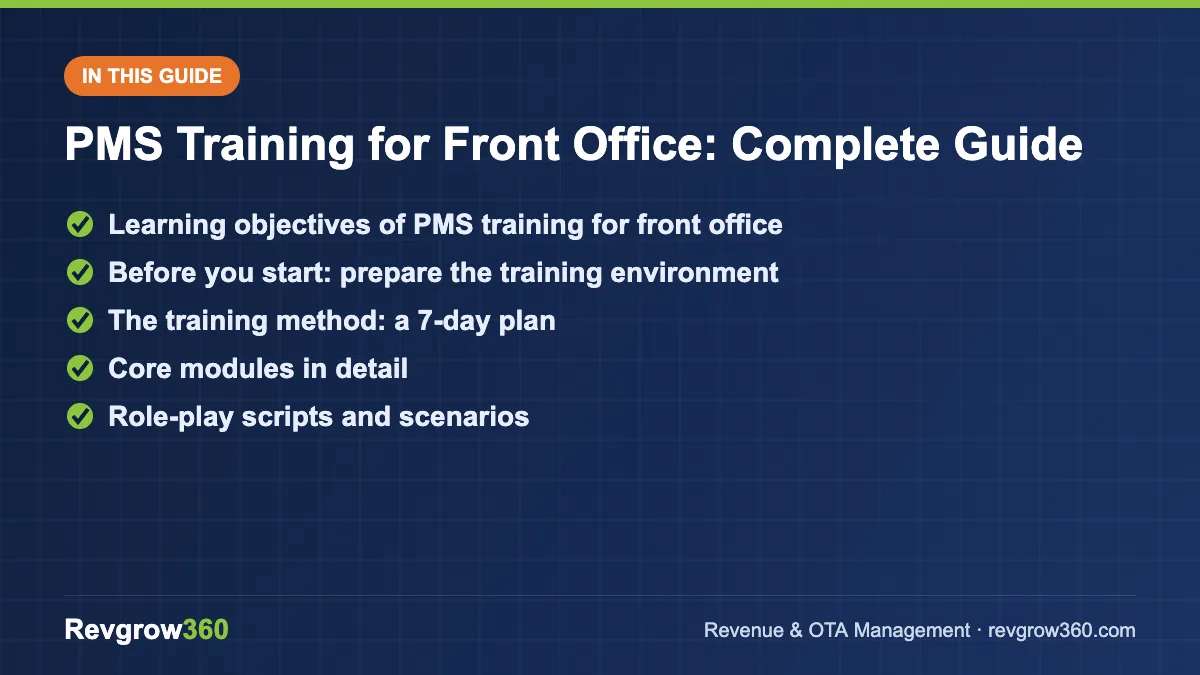
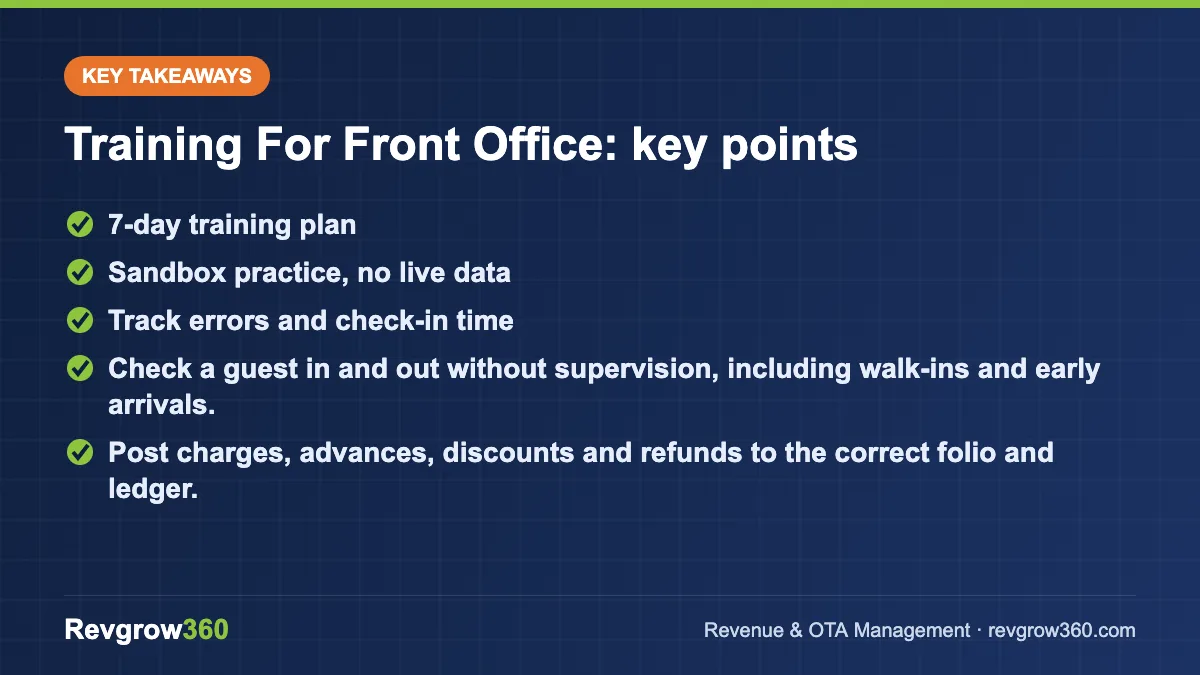
- 7-day training plan
- Sandbox practice, no live data
- Track errors and check-in time
Most hotels lose money on PMS mistakes, not on PMS software. A wrong rate code, a missed extra-bed charge or an unposted advance quietly leaks revenue every week. This guide gives you the objectives, the training method, role-play scripts and the measures to track.
Learning objectives of PMS training for front office
Write objectives before the first session. Staff should know what “trained” means. By the end, every front office associate should be able to:
- Create, modify and cancel a reservation with the correct room type, rate plan, source and guarantee.
- Check a guest in and out without supervision, including walk-ins and early arrivals.
- Post charges, advances, discounts and refunds to the correct folio and ledger.
- Split a bill, transfer charges between folios and handle a company or travel agent billing instruction.
- Read the room rack, arrivals, departures and in-house reports and act on them.
- Run an end-of-shift report and assist with night audit.
- Recognise basic data-protection and payment-security rules.
Monthly training calendar.
Before you start: prepare the training environment
Never train on live data. Ask your PMS vendor for a test or sandbox property, or create dummy room types and rates in a separate database. Staff must be free to make mistakes without affecting a real guest.
What to prepare
- A test property with at least 10 rooms, 3 room types and 3 rate plans.
- A one-page cheat sheet of key shortcuts and screens.
- Your hotel’s own SOPs for check-in, check-out and cash handling, so staff link software steps to hotel standards.
- A named trainer, ideally the front office manager or a senior associate who knows the system well.
Revenue Health Score · free
Free tool: check your hotel’s revenue health
Answer a few quick questions about your rooms, rates, OTAs and reviews. Get a score out of 100, your weakest revenue areas and the first actions to fix them.
The training method: a 7-day plan
Short daily sessions of 60 to 90 minutes, followed by supervised practice on the desk, work better than one long classroom day. People retain more when they use a screen the same day.
| Day | Module | Practice task |
|---|---|---|
| 1 | System navigation, user rights, room rack, housekeeping status | Find 5 rooms by type and status; change a status correctly |
| 2 | Reservations: new, modify, cancel, group blocks | Enter 10 mixed bookings including one cancellation |
| 3 | Rates, rate plans, packages, taxes | Quote and book the same stay under three rate plans |
| 4 | Check-in and walk-ins, room assignment, key cards | Role-play a walk-in and a pre-booked arrival |
| 5 | Folios, postings, advances, splits, transfers | Build a split bill for a company and a guest |
| 6 | Check-out, payment modes, invoices, refunds | Close three folios with different payment modes |
| 7 | Reports, shift handover, night audit basics | Run and explain the arrivals, departures and cash reports |
Core modules in detail
Reservations
Teach staff to capture the full set of fields every time: guest name as per ID, phone, email, arrival and departure, room type, rate plan, number of adults and children, source, payment guarantee and special requests. Emphasise that the rate plan and source drive revenue reports. A booking marked “walk-in” instead of “Booking.com” corrupts channel analysis.
Check-in and room assignment
Show how to verify ID, collect the registration card or digital form, and confirm the tariff, tax and inclusions aloud. Staff should assign rooms by status (clean and inspected), guest preference and next-day inventory, not just the first available room.
Billing and folios
This is where most errors happen. Cover posting codes, how to reverse a wrong posting with an approved reason, and why deleting an entry is not allowed. Explain the difference between master folio and guest folio, and when to use each.
Check-out and settlement
Practise every payment mode you accept: cash, card, UPI, bank transfer and direct bill. Staff must know how to issue a GST invoice with the correct guest or company details. Confirm current invoicing rules with your CA.
Reports and night audit
Front office staff do not need to master audit, but they must read the in-house list, expected arrivals and the daily cash summary. Explain how the figures flow into occupancy, ADR and RevPAR so staff see why accuracy matters. See our guide to hotel KPIs for how those numbers are used.
Role-play scripts and scenarios
Role-play turns button-clicking into guest handling. Run each scenario with one trainee at the desk, one acting as the guest and the trainer observing.
Scenario 1: Rate dispute at check-in
Guest: “I booked at ₹3,200 (about $35), why does the screen show ₹3,800 (about $41)?”
Trainee should: open the reservation, check the rate plan and the tax line, and say: “Let me confirm your booking details, sir. The room rate is ₹3,200 (about $35) and the ₹600 (about $6.5) shown is the applicable tax. Here is the breakdown.” If the figure is truly wrong, escalate to the duty manager, never override alone.
Scenario 2: Late check-out request
Guest: “Can I stay until 4 pm?”
Trainee should: check tonight’s arrivals and room status in the PMS, then offer a policy-based answer, for example a half-day charge. The system, not memory, supplies the answer.
Scenario 3: Wrong posting found at check-out
A restaurant charge was posted to room 204 instead of 208. Trainee must transfer the charge with a reason note, inform the supervisor and apologise to the guest. Test that they never edit the bill silently.
Trainer tips that make sessions stick
- Teach the “why” behind each screen. A receptionist who knows that the source field feeds the channel report will fill it every time.
- Let trainees explain a task back to you in their own words before they do it.
- Pair each new joiner with a buddy for the first two weeks, and let the buddy sign off each task.
- Keep a log of questions asked during training and turn the top ten into an FAQ sheet.
Common mistakes to teach against
| Mistake | Revenue or guest impact | Fix to teach |
|---|---|---|
| Wrong rate plan selected | Under-charging or breaking rate parity | Read the rate plan inclusions on screen before saving |
| Source left blank or wrong | Channel reports become useless | Make source a mandatory field |
| Advance not posted | Cash mismatch at audit | Post every payment immediately |
| Extra bed or breakfast not charged | Direct revenue loss | Checklist at check-in and check-out |
| Sharing login credentials | No audit trail, fraud risk | One user, one password, no exceptions |
| Skipping room status updates | Dirty room sold, delays | Update status as soon as housekeeping reports |
How to measure PMS training for front office
Measure results in the first 30 days, not just at the end of training. Practical measures include:
- Practical test score: complete five tasks on the test system within a time limit. Set a pass mark such as 80 percent.
- Error rate: number of posting corrections, wrong rate plans and blank sources per 100 bookings, tracked weekly.
- Check-in time: average minutes from arrival at the desk to key handover.
- Audit discrepancies: cash or posting differences flagged by night audit.
- Guest comments: mentions of billing errors or slow check-in in reviews.
Repeat a short refresher every quarter and after any software update. Add new joiners to the same 7-day plan so quality does not depend on who happens to train them.
Tools and a quick trainer checklist
- Sandbox property ready and tested.
- User IDs created with correct access rights for trainees.
- Cheat sheet printed for each trainee.
- Role-play scenarios scheduled for days 4 to 6.
- Practical test and pass mark agreed.
- 30-day error review booked in the calendar.
If you are still choosing software, see our overview of the channel manager that should connect to your PMS, and our guide on hotel booking engines.
Key takeaways
- Train on a sandbox, never on live guest data.
- Seven short days with daily practice beat one long classroom day.
- Focus hardest on rate plans, sources and folio postings, where revenue leaks.
- Use role-play so staff handle guests while using the system.
- Measure errors, check-in time and audit differences for 30 days and refresh quarterly.
Want your front office team, PMS data and OTA bookings working together? Talk to the hotel revenue management experts at Revgrow360, or request a free hotel audit.
For more background, see this customer service overview on Wikipedia.
Frequently asked questions
How long should PMS training for front office staff take?
Most hotels need five to ten working days. Use short daily sessions of 60 to 90 minutes followed by supervised practice at the desk. Add a practical test at the end and a 30-day error review to confirm the training has stuck.
Should staff train on the live PMS?
No. Use a sandbox or test property so trainees can make mistakes without affecting real guests, folios or reports. Ask your PMS vendor for a training database, or create dummy rooms, rates and bookings in a separate setup.
What are the most common PMS errors at the front desk?
The most common are wrong rate plans, blank or incorrect booking sources, unposted advances, missed extra charges and shared logins. These distort revenue reports, cause cash mismatches and make audits difficult, so they deserve the most training time.
How do I know if PMS training worked?
Track practical test scores, posting and rate errors per 100 bookings, average check-in time, night audit discrepancies and guest comments about billing. Compare the first 30 days with the period before training and run a quarterly refresher.
More Hotel Training guides
Revenue Management Training for Hotel Owners: Guide
A seven-module plan to train hotel owners in revenue management, with exercises, meeting questions and ways to measure progress.
OTA Extranet Training for Hotel Staff: Complete Guide
A modular training plan to teach hotel staff to use OTA extranets safely: rates, restrictions, reservations, messages and reports.
Hotel Sales Training: Complete Guide for Hotel Teams
A four-week hotel sales training plan with scripts, role-plays, a scorecard and the metrics to prove it works.
Guest Service Excellence: Complete Guide for Hotels
A complete guide to guest service excellence in hotels, with service standards, a training method, scripts, role-plays and metrics.
Food Safety Training for Hotel Staff: Complete Guide
A practical guide to food safety training for hotel staff, with modules, role-play scripts, a schedule and ways to measure results.
Hotel Housekeeping Training: Complete Guide
A full hotel housekeeping training plan with objectives, a four-week schedule, cleaning sequence, role-plays and measurement methods.
Related guide: Front Desk Communication Skills: Complete Guide
Free PDF checklist
Where is your hotel losing money?
27 quick checks on pricing, OTAs, reviews and direct bookings, with the first fix for every leak.
Get the free checklist →