 By Md Arif Ahamed
Quick summary: A complete OTA extranet training for hotel staff plan: modules, practice drills, daily routine, access rules and how to measure errors and response time.
OTA extranet training for hotel staff teaches front office, reservations and revenue team members to use the extranet, the back-end dashboard of Booking.com, MakeMyTrip, Agoda and similar platforms, to update rates, availability, restrictions, photos and guest messages without errors. A well-trained team prevents overbookings, wrong rates and missed bookings, and keeps your listing healthy.
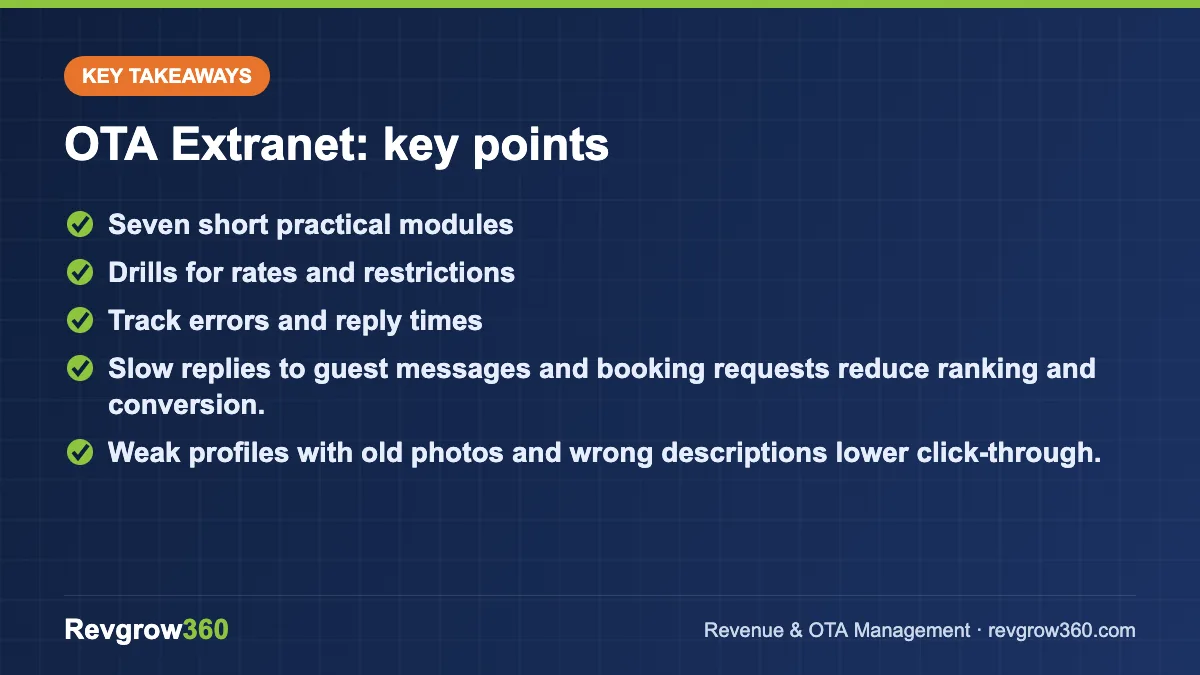
- Seven short practical modules
- Drills for rates and restrictions
- Track errors and reply times
This guide gives a ready training plan, a task checklist, practice exercises and a way to measure competence. It is platform-neutral; screens and names differ between OTAs, so always follow each platform’s current help documents.
Why OTA extranet training for hotel staff matters
The extranet is where money is controlled. One wrong click can sell a room at half price, close a weekend by mistake or leave a booking unconfirmed. Many hotels hand the login to whoever is available and hope for the best.
- Rate and availability errors lead to lost revenue or overbooking. See our guide on hotel overbooking strategy.
- Slow replies to guest messages and booking requests reduce ranking and conversion.
- Weak profiles with old photos and wrong descriptions lower click-through.
- Poor handling of reviews and cancellations hurts reputation.
Score your OTA listing and get the top fixes.
Learning objectives
After training, each staff member should be able to:
- Log in safely and understand the user roles and access levels.
- Read the reservation list, confirm details and mark no-shows correctly.
- Open and close inventory and update rates for one date and a date range.
- Apply restrictions such as minimum stay, stop sell and close to arrival.
- Create and edit rate plans, including refundable and non-refundable options.
- Reply to guest messages and review comments in a polite, consistent way.
- Check performance metrics, ranking indicators and invoices.
- Know what to do if something goes wrong.
Revenue Health Score · free
Free tool: check your hotel’s revenue health
Answer a few quick questions about your rooms, rates, OTAs and reviews. Get a score out of 100, your weakest revenue areas and the first actions to fix them.
Training modules and time plan
| Module | Content | Duration | Practice task |
|---|---|---|---|
| 1. Basics and security | Login, two-step verification, user roles, who owns the account | 30 min | Each user logs in and finds the property profile |
| 2. Reservations | Reading bookings, guest details, payment type, special requests, cancellations, no-shows | 45 min | Review five sample reservations and list required actions |
| 3. Rates and availability | Calendar view, bulk update, room types, rate plans, occupancy pricing | 60 min | Update rates for a weekend and a festival week in a test sheet |
| 4. Restrictions | Minimum stay, stop sell, closed to arrival; when to use them | 45 min | Apply a two-night minimum for a peak weekend |
| 5. Content | Photos, descriptions, facilities, policies, room names | 45 min | Audit the listing against the real property |
| 6. Reviews and messages | Response templates, tone, escalation | 30 min | Reply to a positive and a negative sample review |
| 7. Reports and finance | Performance, commission, invoices, payouts, parity checks | 45 min | Find last month’s commission and booking count |
Run modules over a week in short sessions. Do not try to teach everything in one afternoon.
Core extranet tasks staff must master
Rates and inventory
Teach staff to check three things before saving a change: room type, date range and rate plan. Make them read the confirmation screen aloud. A common error is applying a weekday rate to the whole month. For deeper context see hotel dynamic pricing strategy and hotel rate parity.
Restrictions
Explain what each restriction does and when the revenue manager approves it. Our guide on length of stay restrictions helps staff understand the reason behind each rule.
Channel manager link
If you use a channel manager, make sure staff know that rates and inventory should be changed there, not directly on each OTA, because manual changes can be overwritten. If you do not have one, read what is a hotel channel manager.
Booking confirmation and no-shows
Staff should confirm each booking against the PMS, record special requests and follow the platform’s correct process to report a no-show within the allowed time. Check the current rules on each platform’s partner help centre.
Messages and reviews
Set a response standard, for example guest messages within two hours during working time and reviews within 48 hours. Provide templates but ask staff to personalise them.
Content and photos
Staff do not need to design the listing, but they must know how to spot problems. Teach them to compare the listing with the real property once a month: are the photos current, are the room names correct, do the facilities list match what you actually offer, and do the policies for check-in time, children and pets match reality? Wrong information leads to disputes and poor reviews.
Reports and invoices
Show staff where to find the commission statement, the booking count and the payout details. Even if only the accounts team handles invoices, front office staff should know how to check whether a guest paid the OTA in advance or will pay at the hotel. This avoids charging a guest twice or forgetting to collect a balance.
Escalation: when to call the manager
Give staff a short list of situations that need an immediate call: a rate that looks wrong, a booking for a date that is already full, a guest dispute about the price, a technical error that stops saving, or a suspected fraudulent booking. Write the manager’s phone number on the same page as the procedure.
Sample practice exercises
- Rate change drill: a local festival is announced. Raise the rate for four nights by the percentage your revenue manager supplies, then confirm in the calendar that it saved.
- Close-out drill: the hotel has 2 rooms left for a big group. Close sales on all OTAs for that date and record who approved it.
- Wrong rate drill: a booking appears at ₹1,500 instead of ₹3,500. What do you check first, whom do you inform and how do you prevent it?
- Review reply drill: write a 50-word reply to a complaint about slow check-in.
Daily extranet routine for staff
| Time | Task | Owner |
|---|---|---|
| Morning | Check new bookings, cancellations and messages; compare with PMS | Reservations |
| Morning | Check rates and availability for the next 14 days against the approved rate sheet | Revenue or front office manager |
| Afternoon | Reply to messages and new reviews | Reservations |
| Evening | Report no-shows according to platform rules; close rooms if physically sold out | Night auditor or duty manager |
| Weekly | Review performance metrics and competitor prices | Revenue lead |
How to measure OTA extranet training for hotel staff
- Error count: number of wrong rates, wrong closures or missed bookings per month; aim for zero.
- Response time: average time to reply to guest messages.
- Practical test: give each trainee a ten-task test on a training or sample sheet and require at least 90 percent accuracy.
- Review response rate: percentage of reviews replied within 48 hours.
- Ranking and conversion signals: check them over several weeks after training; see how to improve hotel ranking on OTAs.
Who should train the team
The best trainer is usually the person who already manages the extranet well, such as the revenue manager, a senior reservations executive or an external partner. Training works best on the live screens, but beginners should practise on a sample sheet or with the revenue manager sitting beside them, so that a mistake does not reach live inventory. Record a short screen video of each routine task. New staff can then replay it instead of asking again and again.
Safety and access rules
- Create individual user accounts where the platform allows, instead of sharing one password.
- Switch on two-step verification.
- Remove access immediately when a staff member leaves.
- Keep a change log: date, who changed what and why.
- Require revenue manager or owner approval for rate changes beyond an agreed limit.
Key takeaways
- OTA extranet training for hotel staff protects revenue by preventing rate, inventory and restriction mistakes.
- Teach in short modules with hands-on practice, not a single long session.
- Use a daily routine, a change log and approval limits.
- Test staff with practical drills and track errors, response time and review replies.
- Keep access secure with individual logins and two-step verification.
Revgrow360 manages and trains teams on OTA accounts for hotels across India. See our OTA management service or book a free consultation.
For more background, see this customer service overview on Wikipedia.
Frequently asked questions
What is an OTA extranet?
An OTA extranet is the secure partner dashboard where a hotel manages its listing on an online travel agency. Staff use it to view reservations, update rates and availability, set restrictions, edit photos and content, reply to guests and reviews, and check reports and invoices.
Who should be trained on the extranet?
Reservations, front office and revenue team members who touch bookings or rates should be trained, plus the duty managers who handle emergencies. Give each person an individual login where possible, and limit rate-change rights to trained, approved users.
How often should OTA extranet training be repeated?
Train new joiners before they get access, and hold a short refresher every quarter or when a platform changes its interface. Use monthly error counts to decide if extra coaching is needed for any staff member.
What are the most common extranet mistakes?
Common mistakes include saving the wrong date range or room type, forgetting to close inventory when rooms are sold out, leaving old promotions active, missing guest messages, and sharing one password among many staff without a change log.
More Hotel Training guides
Hotel Sales Training: Complete Guide for Hotel Teams
A four-week hotel sales training plan with scripts, role-plays, a scorecard and the metrics to prove it works.
Guest Service Excellence: Complete Guide for Hotels
A complete guide to guest service excellence in hotels, with service standards, a training method, scripts, role-plays and metrics.
Food Safety Training for Hotel Staff: Complete Guide
A practical guide to food safety training for hotel staff, with modules, role-play scripts, a schedule and ways to measure results.
Hotel Housekeeping Training: Complete Guide
A full hotel housekeeping training plan with objectives, a four-week schedule, cleaning sequence, role-plays and measurement methods.
Grooming Standards for Hotel Staff: Complete Guide
Clear grooming standards for hotel staff with department-wise rules, a daily checklist, a training method and measures of success.
Telephone Skills for Hotel Staff: Complete Guide
A practical training guide on telephone skills for hotel staff, with greetings, scripts, a six-step call routine, role-plays and performance measures.
Related guide: Front Desk Communication Skills: Complete Guide
Free PDF checklist
Where is your hotel losing money?
27 quick checks on pricing, OTAs, reviews and direct bookings, with the first fix for every leak.
Get the free checklist →