 By Md Arif Ahamed
Quick summary: Expedia Partner Central guide for hotels: how to join, rate calendar, Expedia Collect vs Hotel Collect, visibility tools, and a weekly routine that works.
Expedia Group runs several well-known travel brands, including Expedia and Hotels.com, and a single connection can put your property in front of travellers on those sites and partner networks. All of it is managed through one extranet: Expedia Partner Central (EPC). This Expedia Partner Central guide explains how to join, how the main sections of EPC work, the difference between Expedia Collect and Hotel Collect, the visibility tools available, and a weekly routine that keeps your listing competitive. It is written for hotels, resorts and serviced apartments, with notes for smaller properties.
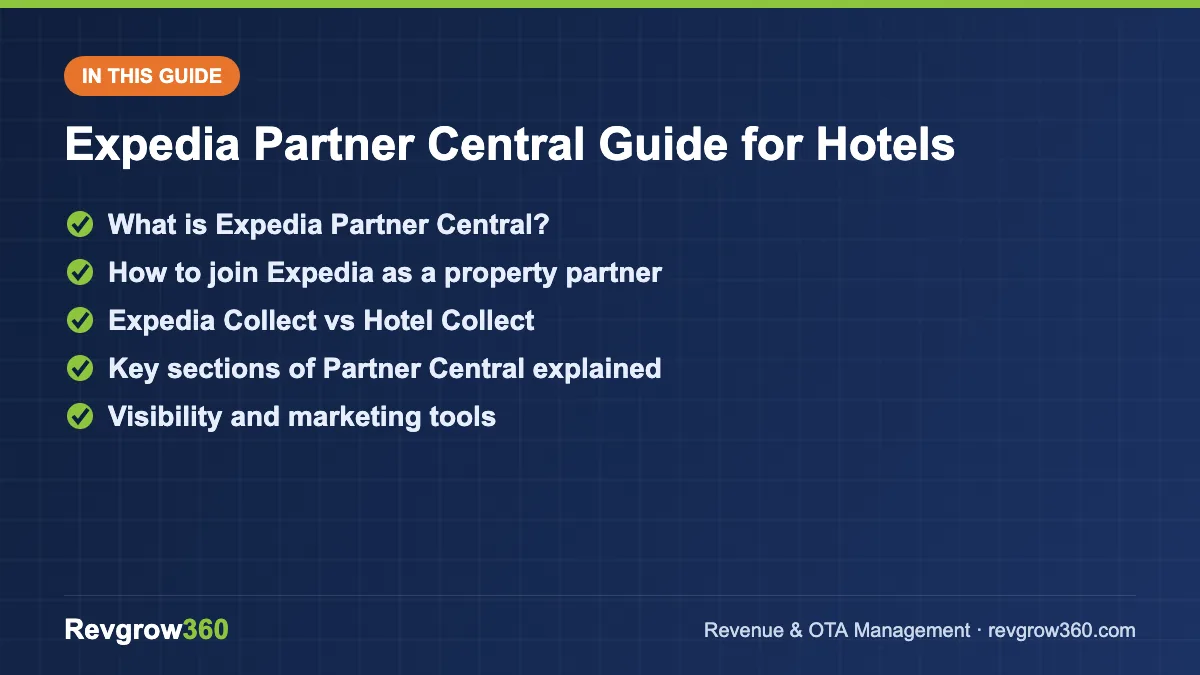
- Join and set up your listing
- Expedia Collect vs Hotel Collect
- Weekly routine for results
What is Expedia Partner Central?
Expedia Partner Central, available at expediapartnercentral.com and as a mobile app, is where accommodation partners manage everything related to their Expedia Group listing:
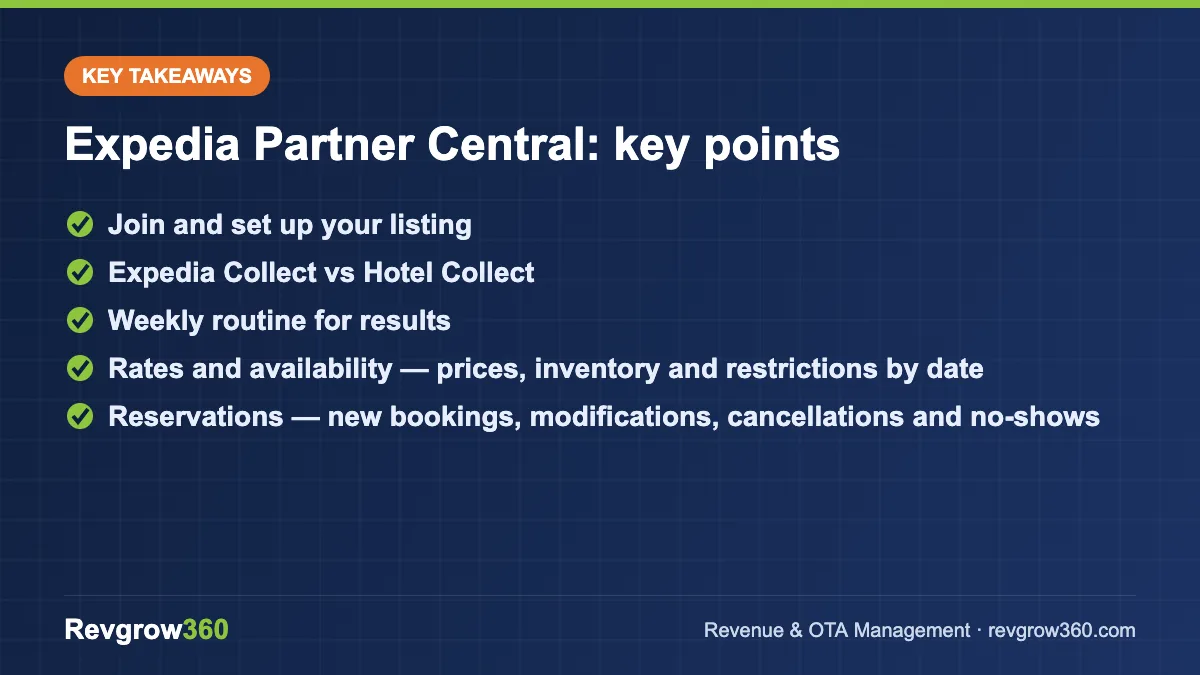
- Rates and availability — prices, inventory and restrictions by date
- Reservations — new bookings, modifications, cancellations and no-shows
- Property details — content, amenities, policies, photos and room descriptions
- Guest reviews — reading and replying
- Marketing tools — promotions, paid placement and visibility programmes
- Analytics — performance, market insights and suggestions
- Payments and invoices — commissions, virtual card payments and statements
Score your OTA listing and get the top fixes.
How to join Expedia as a property partner
- Start the sign-up: from the Expedia Group partner page, choose the option to list your property and select the property type.
- Enter property details: name, address, map location, contact details and number of rooms.
- Add rooms and rates: each room type with occupancy, bed types, size and base rate.
- Set policies: check-in/check-out, cancellation, children, pets, deposits and mandatory fees.
- Upload photos: bright, high-resolution images for every room type and common area.
- Choose payment model: how guests pay and how you get paid (explained below).
- Review and accept the agreement, including commission and terms.
- Go live and connect a channel manager if you use one.
Expedia Collect vs Hotel Collect
Understanding payment models is one of the most important parts of this Expedia Partner Central guide, because it affects cash flow, reconciliation and guest experience.
| Feature | Expedia Collect | Hotel Collect |
|---|---|---|
| Who charges the guest | Expedia, at booking | The property, usually at the hotel |
| How the hotel is paid | Expedia pays the net amount, often via virtual card or bank transfer | Guest pays the hotel directly |
| Commission | Already deducted from what you receive | Invoiced to the hotel after stay |
| Guest experience | Prepaid; simpler check-out | Pay at property; suits guests who prefer that |
| Admin for hotel | Charge virtual cards correctly and on time | Pay monthly commission invoices |
| No-show handling | Follows the rate’s policy through Expedia | Hotel must collect per its policy |
Many properties enable both, letting travellers choose. Whatever you choose, assign one person to reconcile Expedia payments and commission each month.
Key sections of Partner Central explained
Rates and availability
The rate calendar shows each room type and rate plan by date. You can set prices, rooms to sell, minimum and maximum stay, and closed-to-arrival or closed-to-departure restrictions. If you use a channel manager, this section will be updated automatically; avoid editing it manually.
Rate plans
A typical setup includes a refundable rate, a non-refundable rate (priced lower) and sometimes a package-eligible rate. Expedia also sells hotel-plus-flight packages, where your room price is bundled and not shown separately, which can help you reach package travellers without exposing a lower room-only price publicly. Check the settings and contract terms for package rates before enabling them.
Property content and photos
EPC typically shows a content score or suggestions for improving your listing. Complete amenities, room details, policies and descriptions, and add photos for every room type. Accurate content reduces cancellations and complaints.
Reviews
Guest reviews on Expedia Group sites appear on your listing. Reply professionally, thank guests for positive feedback, and address specific issues in negative ones without arguing.
Analytics and market insights
EPC offers reports on bookings, revenue, cancellations and how your prices compare with your competitive set. Use these alongside your own data to spot demand patterns and pricing gaps.
Visibility and marketing tools
Expedia offers several tools to improve exposure. Names and terms can change, but the main types are:
- Promotions — discounts such as same-day deals, early booking, multi-night stays, or member-only pricing for loyalty members.
- Commission-based visibility programmes — you pay a higher commission on selected dates in exchange for improved placement.
- Sponsored listings (paid ads) — cost-per-click placements within search results, typically called TravelAds.
- Quality-based programmes — some programmes reward properties with strong reviews and service by giving them a badge or extra exposure, often in return for providing perks to selected guests.
Before using any paid tool, calculate the true cost per booking and compare it with your net rate and your other acquisition costs.
Worked example: a 35-room city hotel in Delhi
A hypothetical 35-room business hotel near the airport in Delhi sees strong weekday demand from corporate travellers but softer weekends. In EPC, the revenue manager:
- Sets a refundable BAR and a non-refundable rate about 10% lower.
- Enables both Expedia Collect and Hotel Collect so guests can choose.
- Adds a two-night minimum on a major trade fair week, when demand is high.
- Applies a weekend-only promotion for Friday and Saturday arrivals.
- Reviews market insights weekly and adjusts weekend pricing based on pace.
- Assigns the accounts executive to charge virtual cards on check-out date and reconcile commission monthly.
Each action has a clear purpose: protect weekday rates, stimulate weekends and keep payments clean.
A weekly Partner Central routine
- Monday: check pick-up and pace for the next 30 and 60 days; adjust rates.
- Wednesday: review active promotions; pause any on dates that are filling well.
- Thursday: reply to all new reviews and guest messages.
- Friday: check virtual card charges, cancellations and no-shows; reconcile.
- Monthly: review content suggestions, update photos for the season and compare channel performance.
Common mistakes
- Forgetting to charge virtual cards within the allowed window
- Manual edits in EPC that conflict with the channel manager
- Room types mapped incorrectly, showing wrong occupancy or price
- Running promotions continuously instead of on specific need dates
- Ignoring analytics and market insights
- Mismatch between Expedia and other OTA prices, causing parity issues
Key takeaways
- Expedia Partner Central is the single extranet for listing on Expedia Group brands.
- Understand Expedia Collect and Hotel Collect before going live, and reconcile payments monthly.
- Use the rate calendar or a channel manager to control rates, inventory and restrictions.
- Complete content, photos and policies to improve conversion.
- Use promotions and paid visibility selectively, after checking cost per booking.
- Follow a simple weekly routine for pace, promotions, reviews and payments.
Expedia works best as part of a balanced distribution mix, managed with clear pricing rules and regular review. Revgrow360 has supported 500+ hotels with OTA management, pricing and reporting across Expedia Group and other platforms. Explore our OTA management services or our approach to hotel revenue management, and book a free consultation when you are ready.
Frequently asked questions
What is Expedia Partner Central?
Expedia Partner Central is the extranet and mobile app that accommodation partners use to manage their listings across Expedia Group brands such as Expedia and Hotels.com. It covers rates and availability, reservations, property content, photos, reviews, promotions, analytics and payments, all from one account.
What is the difference between Expedia Collect and Hotel Collect?
With Expedia Collect, Expedia charges the guest at booking and pays the property the net amount, often by virtual card. With Hotel Collect, the guest pays at the property and Expedia invoices the hotel for commission later. Many hotels enable both so travellers can choose how they want to pay.
How do I charge an Expedia virtual card?
For Expedia Collect bookings, the virtual card details are available with the reservation in Partner Central. Charge the card through your payment terminal or gateway for the amount shown, within the allowed window, usually on or after check-in or check-out. Missing the window can delay or complicate payment, so assign clear responsibility.
Are Expedia's paid visibility tools worth it?
They can be, on the right dates. Commission-based visibility programmes and sponsored listings raise your cost per booking, so use them when you need demand and your net rate still meets your target. Avoid running them continuously, and compare their cost with other channels, including direct bookings.
More OTA Management guides
How to List Hotel on EaseMyTrip: Step-by-Step Guide
A practical guide to listing your hotel on EaseMyTrip, with documents, onboarding steps, rate strategy, content tips and a launch checklist.
How to List Hotel on Cleartrip: Step-by-Step Guide
A step-by-step guide to listing your hotel on Cleartrip: documents, profile set-up, rates, policies, going live and getting bookings.
How to List Your Hotel on Agoda (YCS): Step-by-Step Guide
A complete walkthrough of listing a hotel, resort or homestay on Agoda and managing it in YCS, including promotions and the net-rate…
OTA Performance Report: How to Run a Monthly Channel Review
A simple monthly OTA performance report shows which channels really earn their place. Get the KPIs, formulas, a worked example and a…
How to Reduce OTA Dependence: A 90-Day Plan for Hotels
Keep OTAs for reach while you grow direct bookings. Learn the billboard effect, set a channel mix target and follow a practical…
How to List Your Hotel on MakeMyTrip and Goibibo (InGo-MMT)
A step-by-step guide to listing a hotel or homestay on MakeMyTrip and Goibibo through InGo-MMT, plus the settings that drive bookings after…