 By Md Arif Ahamed
Quick summary: How to list hotel on EaseMyTrip: documents, official onboarding steps, content and photo tips, rate strategy and a checklist to launch your listing well.
How to list hotel on EaseMyTrip: contact EaseMyTrip’s official hotel partner or supplier team, share your business and property details, build your profile with rooms, photos, rates and policies, review the commercial terms and go live after verification. The portal, forms and commission terms can change, so confirm every step with EaseMyTrip directly. This guide explains the full process, how to prepare content and pricing, and how to manage the listing after launch.
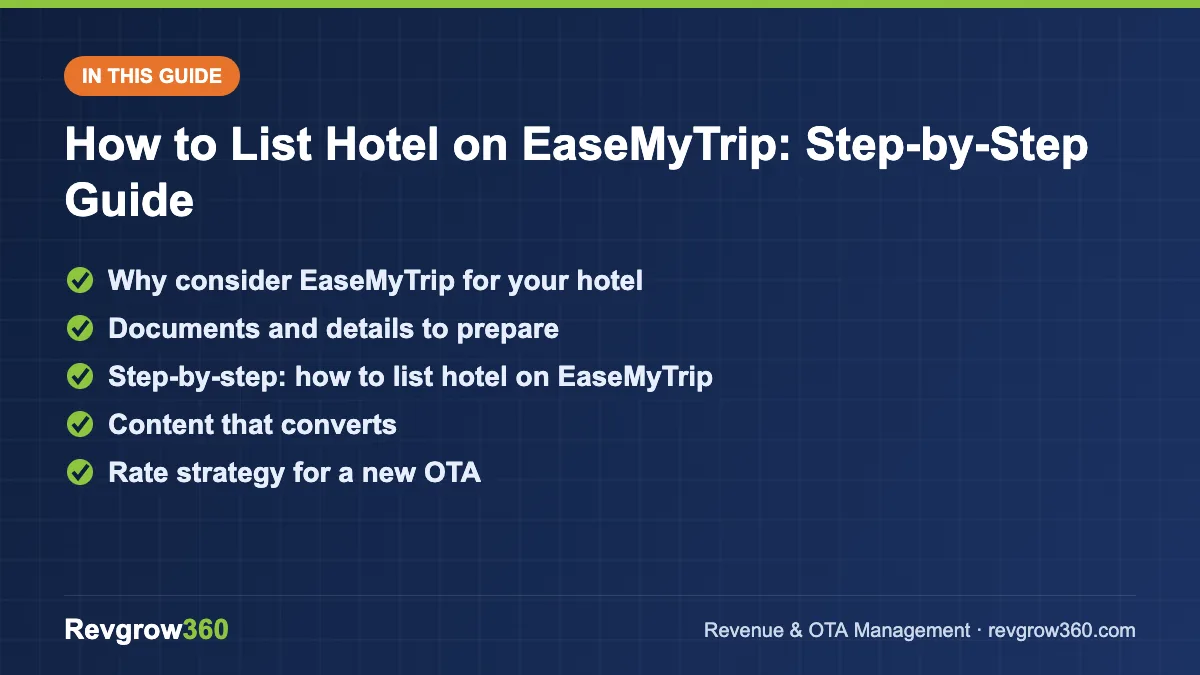
- Prepare documents and content
- Start with limited inventory
- Keep rates consistent across OTAs
Why consider EaseMyTrip for your hotel
EaseMyTrip is an Indian online travel company offering flights, hotels, trains, buses and holidays. For hotels, it adds another route to domestic travellers who search for stays alongside their other travel bookings. It can suit city hotels, leisure properties and mid-range stays that want incremental demand beyond the major global OTAs.
It is wise to treat any new OTA as a test channel. Start with complete content and sensible rates, measure the bookings and net revenue for two or three months, and then decide how much inventory to commit. For the bigger picture, read our hotel distribution strategy guide.
Score your OTA listing and get the top fixes.
Documents and details to prepare
| Category | What to keep ready |
|---|---|
| Legal and tax | Business name, PAN, GST details if registered, trade or hotel licences as applicable |
| Banking | Business bank account name, number and IFSC, cancelled cheque if asked |
| Contacts | Reservation email, mobile numbers of manager and front desk, owner contact |
| Property facts | Full address, map location, number of rooms, check-in and check-out times |
| Inventory | Room types, bed types, occupancy, size, amenities |
| Content | Photographs, description, facilities, nearby attractions |
| Policies | Cancellation, child and extra bed, ID, pets, payment |
| Commercials | Base rates, meal plans, taxes and any contracted rates |
Step-by-step: how to list hotel on EaseMyTrip
- Use only official routes. Find the hotel or supplier registration page on EaseMyTrip’s official website, or approach its hotel partnership team through contact details published there. Avoid agents who promise guaranteed ranking for a fee.
- Submit the registration or enquiry. Enter hotel name, city, category, number of rooms and contact information. Wait for the team to respond with onboarding instructions.
- Provide documents. Share the legal, tax and bank information requested, and complete any verification.
- Build your property profile. Write an honest, clear description. Mention what makes your hotel useful: location, business facilities, family rooms, parking or views.
- Create room types. For each room: category name, size, beds, maximum guests, amenities. Keep room names the same across all channels to prevent confusion.
- Upload photographs. Add good-quality photos of the exterior, reception, each room type, bathrooms and any restaurant or pool.
- Set rate plans. Create at least a room-only plan and a breakfast-included plan. Add a non-refundable plan if the platform supports it.
- Add taxes and fees. Confirm how GST and other charges are displayed. Follow current tax rules and check with your chartered accountant.
- Enter availability. Open inventory for the next 90 to 180 days, with room limits per type. Do not release your entire inventory to a new channel at once.
- Define cancellation and payment terms. Choose policies that match your other channels, and read how the platform handles prepaid bookings and payouts.
- Read the agreement. Check commission percentage, payment cycle, rate parity expectations, penalties and termination terms before accepting.
- Preview and go live. Review the listing as a guest would see it, correct errors and confirm go-live. Check that a test search shows the right rates and dates.
Content that converts
Photos
Photos are often the deciding factor. Use natural light, show the actual room type being sold, and avoid heavy filters. Add a photo of the bathroom, because guests look for it. Replace images after renovations.
Description
Lead with the hotel’s strengths. For example: “A 32-room business hotel five minutes from Kolkata’s Sector V, with free Wi-Fi, 24-hour front desk and a rooftop restaurant.” Avoid exaggerated claims that can lead to poor reviews.
Amenities and policies
List only what is available during the guest’s stay. If the pool is closed for maintenance or the restaurant is closed on Mondays, say so. Clear expectations reduce complaints.
Rate strategy for a new OTA
- Start with the same public rate as your other channels to protect rate parity.
- Check your commission and compute net revenue per room.
- Limit inventory in peak periods, and open more in low-demand dates.
- Use restrictions where needed; see length of stay restrictions.
- Review rates weekly against competitors on that platform.
| Season | Inventory approach for a new OTA |
|---|---|
| Peak or festival | Limited allocation, higher rates, minimum stay if needed |
| Shoulder | Moderate allocation, standard rates |
| Low | Larger allocation, test promotions that protect rate floor |
Example: a trial plan for a 40-room hotel
A hypothetical 40-room hotel in Lucknow wants to test EaseMyTrip. The manager decides to open a maximum of 6 rooms per night on the platform, set the public rate equal to the other OTAs, and review results after 90 days.
| Measure | Target after 90 days |
|---|---|
| Bookings from the platform | A number agreed in advance, for example 60 room nights |
| Net rate after commission | Not below the hotel’s agreed floor |
| Cancellation rate | No higher than other OTAs |
| Guest review score | In line with the property average |
If the results meet the target, the manager increases the allocation in low-demand periods. If not, he improves photos, rates or content before deciding whether to continue. The point is to decide with data, not with hope.
Managing the listing after launch
- Daily: check new bookings, messages and availability.
- Weekly: review rates, competitor positions and promotions.
- Monthly: review bookings, cancellations, average rate, net revenue and guest feedback.
- Quarterly: refresh photos and descriptions, renegotiate terms if volume justifies.
Good reviews help every channel. Learn more in improving hotel ranking on OTAs.
Connecting through a channel manager
If you list on several OTAs, manual updates cause errors. A channel manager updates rates and inventory across all channels at once and reduces double bookings. Ask EaseMyTrip’s team whether your channel manager is supported, and map every room and rate plan carefully. See what is a hotel channel manager.
Training your team for OTA bookings
Every channel works better when the front desk and reservation team know the basics. Teach them how to find the booking reference, check the guest’s name and dates, confirm the meal plan and payment status, and record special requests. Remind them that guests who booked through an OTA are still your guests: a warm welcome and a clear explanation of check-in, breakfast and Wi-Fi will raise review scores and encourage them to book direct next time.
Common mistakes to avoid
- Listing without checking commission and net rates.
- Using different room names or rates than other channels.
- Opening all inventory on a new platform with no review.
- Skipping updates after a direct booking, which risks overbooking.
- Not responding to guest messages quickly.
- Letting photos and descriptions go stale.
EaseMyTrip listing checklist
| Task | Done |
|---|---|
| Official hotel partner route confirmed | Yes / No |
| Documents, tax and bank details submitted | Yes / No |
| Room types and amenities complete | Yes / No |
| Photos uploaded | Yes / No |
| Rates and plans reviewed against other channels | Yes / No |
| Cancellation and payment terms set | Yes / No |
| Agreement read and accepted | Yes / No |
| Inventory synced and test search checked | Yes / No |
When to review or exit a channel
Review the contract each year. If a channel brings few bookings, high cancellations or low net rates, reduce your allocation or pause it, but do so by the terms of your agreement and with notice to the partner team. Keep the relationship professional, because market conditions change.
Key takeaways
- List on EaseMyTrip through its official hotel partner process and confirm current requirements directly.
- Prepare documents, photos, room details, policies and rates before you apply.
- Start with limited inventory, consistent rates and a clear net revenue calculation.
- Use a channel manager once you operate on multiple OTAs.
- Review performance monthly and keep content fresh.
If you want expert help choosing the right OTAs and keeping rates consistent, Revgrow360 offers OTA management for hotels across India. You can request a free hotel audit to review your current listings.
For more background, see this online travel agency overview on Wikipedia.
Frequently asked questions
How can I list my hotel on EaseMyTrip?
Use the hotel or supplier registration route on EaseMyTrip's official website or contact its hotel partnership team. Submit business and bank documents, build your profile with rooms, photos, rates and policies, review the agreement and go live after verification. Confirm current steps directly.
What should I check before signing an OTA agreement?
Check the commission percentage, payment cycle, cancellation and no-show handling, rate parity expectations, any penalties and how to terminate. Compare net revenue after commission with other channels. If anything is unclear, ask in writing before you accept.
How much inventory should I give a new OTA?
Start with a limited allocation, especially in peak periods, and open more in low-demand dates. Measure bookings, cancellations and net revenue for two or three months, then increase or reduce the allocation based on results rather than assumptions.
How do I avoid overbooking when using several OTAs?
Use a channel manager that updates inventory across all channels in real time, map room types and rate plans correctly, and update availability immediately after any direct or phone booking. Test a few dates after set-up and check for mismatches daily.
More OTA Management guides
Expedia Partner Central Guide for Hotels
Everything a hotel needs to know about Expedia Partner Central, from joining and payment models to promotions, analytics and a simple weekly…
How to List Hotel on Cleartrip: Step-by-Step Guide
A step-by-step guide to listing your hotel on Cleartrip: documents, profile set-up, rates, policies, going live and getting bookings.
How to List Your Hotel on Agoda (YCS): Step-by-Step Guide
A complete walkthrough of listing a hotel, resort or homestay on Agoda and managing it in YCS, including promotions and the net-rate…
OTA Performance Report: How to Run a Monthly Channel Review
A simple monthly OTA performance report shows which channels really earn their place. Get the KPIs, formulas, a worked example and a…
How to Reduce OTA Dependence: A 90-Day Plan for Hotels
Keep OTAs for reach while you grow direct bookings. Learn the billboard effect, set a channel mix target and follow a practical…
How to List Your Hotel on MakeMyTrip and Goibibo (InGo-MMT)
A step-by-step guide to listing a hotel or homestay on MakeMyTrip and Goibibo through InGo-MMT, plus the settings that drive bookings after…