
Hotel Wi-Fi Bandwidth Calculator
Estimate the internet speed your hotel needs at its busiest hour, the plan size to buy and roughly how many access points to install.
How to use the free Hotel Wi-Fi Bandwidth Calculator
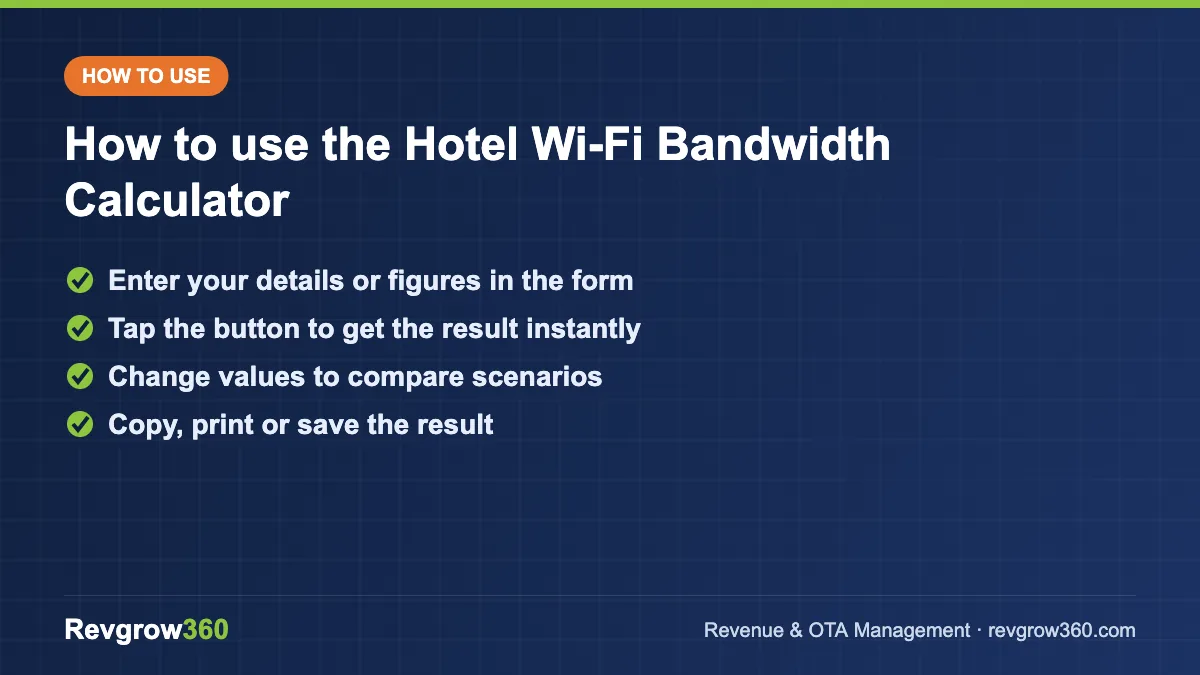
- Enter your figures in the fields above – use real numbers from your PMS, channel manager or accounts.
- Tap the button to see the result instantly. Change any value to compare scenarios.
- Copy, print or save the result and use it in your daily or monthly review.
This Hotel Wi-Fi Bandwidth Calculator runs fully in your browser on mobile or desktop – no sign-up and nothing is uploaded. Free hotel Wi-Fi bandwidth calculator. Estimate the internet speed your hotel needs at peak, a suggested plan and how many access points to install.
Why guest Wi-Fi speed matters
Guests now stream video, join work calls and upload photos from their rooms. Slow Wi-Fi quickly turns into complaints at the front desk and low review scores, while paying for a far bigger plan than you need wastes money every month. This calculator estimates the internet bandwidth your hotel needs at its busiest hour and roughly how many access points will cover the building.
Choosing the inputs
- Devices per guest: most guests carry a phone and often a laptop or tablet. Business hotels can use 2–3; budget properties may use 1.5.
- Active %: not every connected device uses data at the same moment. Evenings after dinner are usually the peak; 40–60% is a reasonable starting point.
- Mbps per device: 3 Mbps is a typical default for HD streaming and video calls. Raise it if many guests stream 4K or work remotely.
- Staff devices: include the PMS, POS terminals, back-office PCs and remote CCTV viewing, which all share the same line.
- Banquets: a wedding or conference can add dozens of users at once. Enter only the people likely to be online together.
Access points and network tips
The default of one access point per 6–8 rooms is only a starting estimate. Thick walls, long corridors and metal doors reduce coverage, so ask your vendor for a site survey before buying hardware.
- Keep guest Wi-Fi on a separate network from the PMS and billing systems.
- Set a fair per-device speed limit so one user cannot slow the whole hotel.
- Consider a second line from a different provider as a backup.
- Ask for symmetric upload speed if guests run video calls.
When ISPs and installers send offers, put them side by side with the vendor quotation comparison tool, and list routers and access points in your asset register.
Frequently asked questions
How much internet speed does a 40-room hotel need?
It depends on occupancy, devices and usage. With 85% occupancy, two guests per room, two devices each, half of them active at 3 Mbps, plus staff and headroom, a 40-room hotel needs about 285 Mbps, so a 300 Mbps plan. Use your own figures in the calculator.
How many Wi-Fi access points does a hotel need?
A typical starting point is one access point for every 6 to 8 rooms plus extra units for the lobby, restaurant and banquet hall. Building layout matters a lot, so confirm with a site survey.
Should guest Wi-Fi be separate from the hotel's office network?
Yes. Keeping guests on a separate network or VLAN protects your PMS, billing and card systems and lets you limit speed per guest device.
Want a revenue expert to check your numbers?
Get a free OTA, pricing and reputation audit from Revgrow360 — no obligation.