 By Md Arif Ahamed
Quick summary: Room type mapping in hotel channel setup explained: how rooms and rate plans link to OTAs, a worked error example, a step-by-step method and key mistakes.
Room type mapping in hotel channel setup is the process of linking each room and rate plan in your PMS or channel manager to the matching room and rate on every OTA. Correct mapping makes sure that a booking, a price and an availability update on one system land on the right room in all others. Poor room type mapping in hotel channel management is one of the most common reasons for overbooking, wrong prices and mismatched bookings.
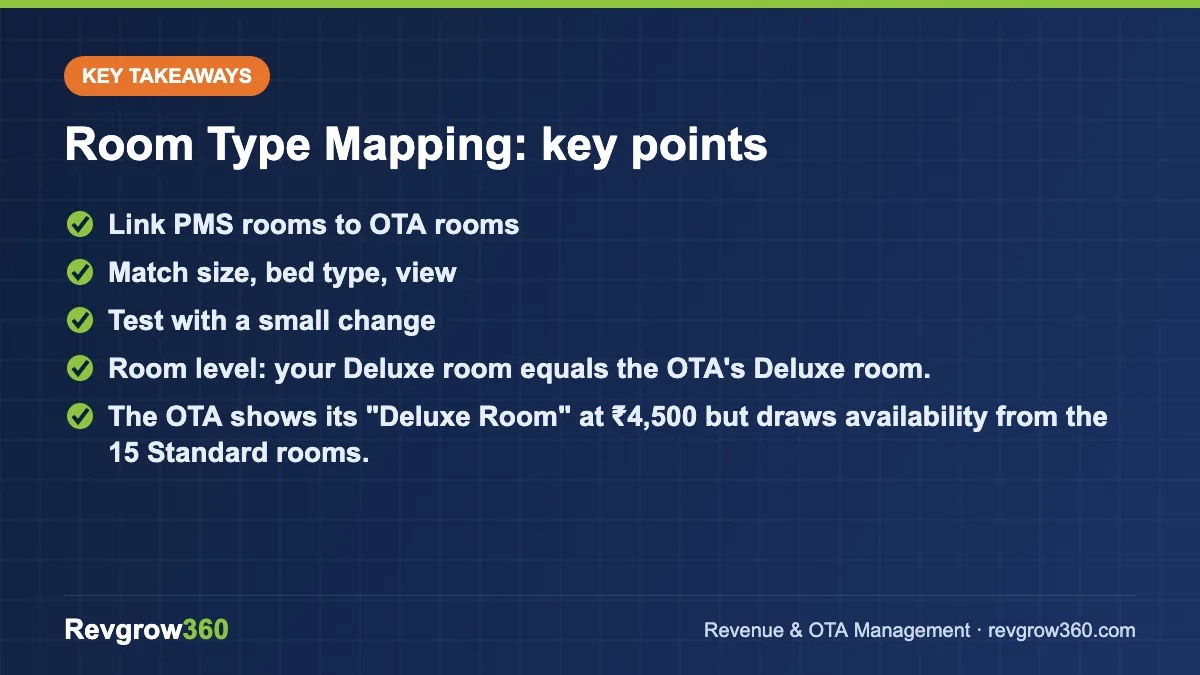
- Link PMS rooms to OTA rooms
- Match size, bed type, view
- Test with a small change
Room type mapping in hotel channel management: what it means
Every OTA has its own list of room names and codes. You may call a room “Deluxe King”, while an OTA lists it as “Deluxe Double Room”. The channel manager sits in the middle. It holds your master room list and a mapping table that says which OTA room corresponds to which of your rooms, and which OTA rate plan corresponds to which of your plans.
Mapping happens at two levels:
- Room level: your Deluxe room equals the OTA’s Deluxe room.
- Rate level: your “Bed and Breakfast, free cancellation” plan equals the OTA’s plan of the same terms.
158 hotel terms explained in plain English.
How it works
When you update availability or price in your channel manager, it sends the update to each OTA using the mapping. When a booking arrives, the channel manager reads the OTA’s room and rate codes and converts them back to your room type, then sends it to the PMS and reduces availability across other channels.
Mapping table example
| Hotel room (PMS) | Booking.com room | Agoda room | MakeMyTrip room |
|---|---|---|---|
| Standard (10 rooms) | Standard Double Room | Standard Room | Standard Room |
| Deluxe (20 rooms) | Deluxe Double Room | Deluxe Room | Deluxe Room with Balcony |
| Suite (5 rooms) | Executive Suite | Suite | Suite |
The names differ, but each row represents the same physical room category. If any link is wrong, for example Deluxe mapped to Standard on one OTA, the hotel sells the wrong room at the wrong price.
Revenue Health Score · free
Free tool: check your hotel’s revenue health
Answer a few quick questions about your rooms, rates, OTAs and reviews. Get a score out of 100, your weakest revenue areas and the first actions to fix them.
Worked example of a mapping error
A 35-room hotel in Kolkata has 20 Deluxe rooms at ₹4,500 (about $48) and 15 Standard rooms at ₹3,200 (about $34). During setup on one OTA, the Deluxe room is mapped to the Standard inventory by mistake.
- The OTA shows its “Deluxe Room” at ₹4,500 (about $48) but draws availability from the 15 Standard rooms.
- Guests book 15 Deluxe rooms, which uses all Standard inventory, while Deluxe stays unsold.
- On other channels, Standard shows as sold out even though 20 real Deluxe rooms remain.
- Guests are placed in the wrong room type, or the hotel has to cancel or relocate.
The cost is lost revenue from unsold Deluxe rooms, upgrade costs and likely complaints. It can be avoided with a mapping audit at setup and every few months. Read more on how this links to overbooking strategy.
Why it matters for revenue
- Accurate availability: prevents both overbooking and false sold-out signals.
- Correct pricing: the right rate reaches the right room, protecting ADR.
- Clean reporting: room type and rate plan performance is only reliable if bookings land correctly.
- Rate parity: mismatched plans create price differences across channels. See hotel rate parity.
- Time saved: staff stop correcting bookings by hand.
How to map rooms correctly
- List your master room types in the PMS with a clear name, capacity and room count.
- Create the same list in the channel manager.
- Open each OTA extranet and note every room type and rate plan listed.
- Match each OTA room to one master room, based on size, bed type and view, not just the name.
- Match each OTA rate plan to your plan by meal inclusion and cancellation terms.
- Run a test: change availability by one room for a future date and confirm it appears on the right OTA room.
- Place a test booking if the OTA allows it and confirm it arrives under the right room in the PMS.
- Document the final map in a shared sheet.
Our channel manager guide explains what to look for in software that makes this easier.
When mapping needs special care
Some situations make mapping more complicated and deserve extra checking.
Rooms with different occupancy rules
If a Deluxe room sleeps two adults and one child on your system, make sure the OTA room has the same maximum occupancy. A mismatch can lead to bookings your room cannot actually host, or to extra-bed charges not collected.
Dormitory beds, villas and homestay units
Small properties often sell beds, rooms or whole units. A 12-room homestay in Darjeeling may allow guests to book a single room or the entire house. In that case, inventory must be linked so that booking the whole house closes every individual room, and the reverse. Many channel managers support this with a linked or parent-child setup; confirm that yours does before going live.
Multiple properties
If you own more than one hotel, map each property separately and label them clearly in the channel manager. Mixing properties is a very costly error.
Seasonal or promotional rooms
Do not create temporary room types on OTAs for a short season without adding them to the channel manager first. Unmapped rooms hold phantom availability that your system cannot see.
Common mistakes
- Mapping by name alone and ignoring bed type, size or view.
- Mapping two different room types to the same OTA room.
- Adding a new room or rate on an OTA without telling the channel manager, which leaves it unmapped.
- Ignoring child or extra-bed occupancy rules on the OTA side.
- Not re-checking mapping after an OTA changes its room structure.
- Leaving old or inactive rooms mapped, creating phantom inventory.
Related terms
Channel manager, inventory control, rate plan, availability, rate parity, extranet, two-way connectivity and room category. For OTA setup details see how to list a hotel on Booking.com.
Key takeaways
- Room type mapping links your rooms and rate plans to each OTA’s rooms and rates.
- Match by size, bed type, view and rate terms, not just names.
- Test with a small availability change and a test booking.
- Review the map whenever you add rooms, plans or OTAs.
- Good mapping prevents overbooking and protects ADR.
Revgrow360 audits channel setups and fixes mapping issues as part of our OTA management service. Ask for a free hotel audit to see where your listings stand.
For more background, see this hotel industry overview on Wikipedia.
Frequently asked questions
What is room type mapping in a hotel?
It is linking each room type and rate plan in your PMS or channel manager to the matching room and rate on every OTA. Correct mapping makes sure availability, prices and bookings go to the right room across all channels.
What happens if room types are mapped wrongly?
Bookings can arrive under the wrong room, availability can show false sold-out or overbooked status, and prices can appear wrongly on an OTA. This leads to lost revenue, guest relocation, complaints and manual corrections by staff.
How often should I check my OTA room mapping?
Check at the first setup, whenever you add a room, rate plan or OTA, and at least every quarter. Also check after an OTA changes its extranet structure. A quick test change in availability confirms that the map still works.
Can I map two hotel rooms to one OTA room?
It is risky. Each OTA room should link to one master room type so inventory is clear. If you need to combine categories, keep the same quality level and pricing, and document the choice so staff understand how bookings will arrive.
More Hotel Glossary guides
Channel Mix in Hotel Distribution: Meaning and Examples
Channel mix in hotel distribution shows where bookings come from and what each source costs. Learn the formula, an example and ways…
Rate Plan in Hotel Pricing: Meaning and Examples
A rate plan in hotel pricing links a room price to inclusions and rules. See common types, a worked example and how…
Inventory Control in Hotel Operations: Meaning, Examples
Understand inventory control in hotel operations: how rooms are allocated across channels, why sync matters and how to prevent overbooking and lost…
Close to Departure (CTD) in Hotel: Meaning and Examples
Learn what close to departure (CTD) means in hotel revenue management, how it blocks new arrivals on key dates and how to…
What is Close to Arrival (CTA) in a Hotel? Meaning
Close to arrival blocks check-ins on a chosen date while still letting guests stay through it. Learn when and how to use…
What is Stop Sell in a Hotel? Meaning and Examples
Stop sell closes a date, room type, rate or channel to new bookings. Learn when to use it, how it differs from…
Free PDF checklist
Where is your hotel losing money?
27 quick checks on pricing, OTAs, reviews and direct bookings, with the first fix for every leak.
Get the free checklist →