 By Md Arif Ahamed
Quick summary: Stop sell in hotels explained: how it closes rooms, rates or channels to bookings, when to use it, a worked example, a checklist and common mistakes.
A stop sell is an instruction that closes a hotel room type, rate or date to new bookings on one or all sales channels, even if rooms physically remain. Hotels use stop sell to prevent overbooking, protect inventory for higher-paying guests or hold rooms for a group or maintenance. It is one of the simplest and most powerful tools in revenue management, and one of the easiest to use wrongly.
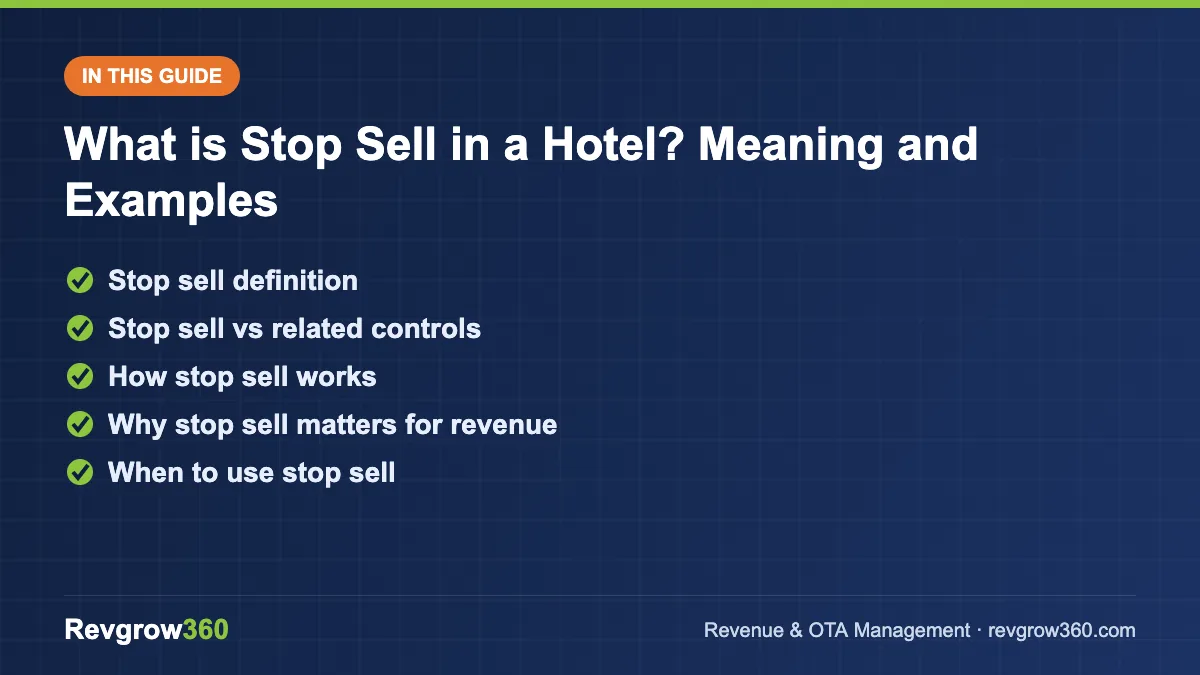
- Close dates, rooms or channels
- Prevent overbooking
- Log it and set a reminder
This entry explains what stop sell means, how it works, when to use it, a worked example and mistakes to avoid.
Stop sell definition
When a hotel applies a stop sell, the selected inventory shows as “not available” or “sold out” to new guests. Existing bookings are not affected. A stop sell can apply to:
- One date or a date range.
- One room type, for example all Deluxe rooms.
- One rate plan, for example the non-refundable rate.
- One channel, for example only Booking.com, or all channels.
It is different from changing the rate to a very high number. A stop sell closes the sale; a high rate leaves the room visible but expensive.
158 hotel terms explained in plain English.
Stop sell vs related controls
| Control | What it does | Typical use |
|---|---|---|
| Stop sell | Closes a date, room, rate or channel completely | Sold out, group hold, maintenance |
| Close to arrival (CTA) | Stops arrivals on a date, but guests can stay through it | Protect long stays over a peak night |
| Close to departure (CTD) | Stops departures on a date | Avoid gaps after a busy night |
| Minimum length of stay | Requires a minimum number of nights | Peak weekends, festivals |
| Availability set to zero | Reduces inventory sold on the channel | Channel-specific control |
See length of stay restrictions for more on how these tools work together.
Revenue Health Score · free
Free tool: check your hotel’s revenue health
Answer a few quick questions about your rooms, rates, OTAs and reviews. Get a score out of 100, your weakest revenue areas and the first actions to fix them.
How stop sell works
The hotel sets the stop sell in its PMS, channel manager or directly in an OTA extranet. A channel manager sends the closure to all connected OTAs and the booking engine. Without a channel manager, staff must close each channel by hand, and a missed channel can cause an overbooking. Read what is a hotel channel manager for how this automation works.
Simple stop sell example
A 40-room hotel in Jaipur expects a wedding group on 14 and 15 February and has 36 rooms committed. The remaining 4 rooms are sold to walk-ins at a high rate. On 10 February, 3 of the 4 are booked, leaving 1 room for any last-minute demand. The revenue manager applies a stop sell on all OTAs for the cheapest room type and keeps one suite open at a higher price only on the hotel website.
| Inventory | Rooms |
|---|---|
| Total rooms | 40 |
| Wedding group | 36 |
| Sold to other guests | 3 |
| Remaining | 1 (kept for direct sale) |
The stop sell protects the group promise and avoids an overbooking, while one room remains for the best-paying direct enquiry. The numbers are hypothetical.
Why stop sell matters for revenue
- Prevents overbooking: especially important when systems lag or you have manual channels. See hotel overbooking strategy.
- Protects higher-rated demand: if demand is rising, you can stop discounted channels or rate plans and sell the last rooms at BAR or direct.
- Manages cost of distribution: closing a high-commission channel when you are nearly sold out saves commission. See OTA commission rates.
- Supports operations: blocks rooms under renovation, deep cleaning or pest control.
- Controls the booking window: a stop sell for the next day can protect against a late rush you cannot service.
When to use stop sell
- The hotel is truly full and your PMS shows zero available rooms.
- A group or event needs inventory that has not yet been entered as a block.
- Maintenance or renovation takes rooms out of order. Use out-of-order status in the PMS, and a stop sell if it does not sync.
- Demand is higher than forecast and low-rate plans should close first.
- A channel problem or rate error must be stopped immediately while you fix it.
- Staff shortage or event makes service on a particular day impossible at full occupancy.
Stop sell checklist
- Confirm the reason and the approver.
- Select the dates, room types, rate plans and channels.
- Apply the stop sell in the channel manager or PMS.
- Verify on the OTA extranets and your booking engine that it is showing as closed.
- Note it in a change log with date, time, reason and who closed it.
- Set a reminder to review and reopen when conditions change.
Common stop sell mistakes
- Forgetting to reopen: the hotel loses sales for days. Use reminders and weekly reviews.
- Closing the wrong date or room type: always check the confirmation screen.
- Closing only some channels: guests may still book through the open ones, causing overbooking.
- Using stop sell too early: closing a date because “weekends always sell out” can lose a rate that would have been higher or a long stay.
- Not communicating: sales, front office and reservations must know about stop sells. See the hotel revenue management guide for coordination ideas.
Stop sell by channel: a practical example
Imagine a 25-room beach hotel with 3 rooms left for a Saturday. The revenue manager sees strong demand and wants to sell those rooms at the best price.
| Channel | Action | Reason |
|---|---|---|
| Hotel website and booking engine | Keep open | No commission; best margin |
| OTA with high commission | Stop sell | Save the last rooms for direct and higher net revenue |
| Non-refundable rate plan | Keep open at higher price | Secures revenue early |
| Discounted promotion | Stop sell | Demand is strong; no need for discounts |
This approach should be used carefully. Closing OTAs fully may reduce visibility, which can affect ranking. Often it is better to raise rates first and use stop sell only on the final rooms. See how to improve hotel ranking on OTAs.
Related terms
Close to arrival, minimum length of stay, availability, BAR, inventory, overbooking, channel manager, out of order and sell-out.
Key takeaways
- Stop sell closes inventory to new bookings by date, room, rate or channel.
- Use it to prevent overbooking, protect group blocks and save the last rooms for better rates.
- Apply it through the channel manager and always verify on each channel.
- Keep a log and a reopen reminder so closed dates do not remain forgotten.
Revgrow360 helps hotels set restrictions and inventory rules that protect revenue. Explore our hotel revenue management service or book a free consultation.
For more background, see this hotel industry overview on Wikipedia.
Frequently asked questions
What does stop sell mean in a hotel?
Stop sell means the hotel closes a date, room type, rate plan or channel so no new bookings can be made, even if some rooms physically remain. Existing reservations stay valid. It is used to prevent overbooking and protect inventory.
What is the difference between stop sell and close to arrival?
Stop sell blocks all new bookings for the selected inventory. Close to arrival blocks only new arrivals on a date, so a guest arriving the day before can still stay through it. CTA protects multi-night stays around peak nights.
Can I apply stop sell on only one OTA?
Yes, most channel managers and OTA extranets allow closure by channel. This helps when one platform has a rate error or when you want to keep the last rooms for higher-paying channels. Always verify the change on each platform.
Why are my rooms still bookable after a stop sell?
Common reasons are a failed channel manager sync, the wrong date or room type, a channel not connected to the system, or a different rate plan still open. Check the log, verify each extranet and correct manually if needed.
More Hotel Glossary guides
What is Hotel Allotment? Meaning, Formula and Examples
A hotel allotment holds rooms for a travel partner until a release date. Learn how it works, how to measure pick-up and…
What is Non-Refundable Rate in a Hotel? Meaning, Examples
A non-refundable rate gives guests a lower price in exchange for no cancellation. Learn the meaning, pricing logic and when to use…
What is Package Rate in a Hotel? Meaning and Examples
A package rate bundles a room with meals or experiences at one price. Here is the meaning, formula, example and common mistakes.
Commissionable Rate in Hotel: Meaning and Examples
A commissionable rate includes a commission paid to the agent or OTA who sells the room. See the formula, an example and…
Net Rate in Hotel: Meaning, Formula and Examples
A net rate is a confidential price given to travel partners with no commission. See how it works, a worked example and…
Corporate Rate in Hotel: Meaning, Example and Tips
A corporate rate is a negotiated hotel room rate for company travellers. See how it works, a worked example and how to…
Related guide: What is GOPPAR in Hotels? Meaning, Examples & Formula
Free PDF checklist
Where is your hotel losing money?
27 quick checks on pricing, OTAs, reviews and direct bookings, with the first fix for every leak.
Get the free checklist →