 By Md Arif Ahamed
Quick summary: How to list homestay on Booking.com: prepare documents, choose property type, add photos, rates and rules, and go live. Step-by-step with pricing tips.
Here is how to list homestay on Booking.com: go to the Booking.com partner site, choose “List your property”, select the homestay or home option that matches your stay, enter your address, rooms, amenities, photos, rates and policies, set payment and verification details, and submit. After review, your homestay goes live. This guide explains each step in order, and what to do after publishing to earn bookings.
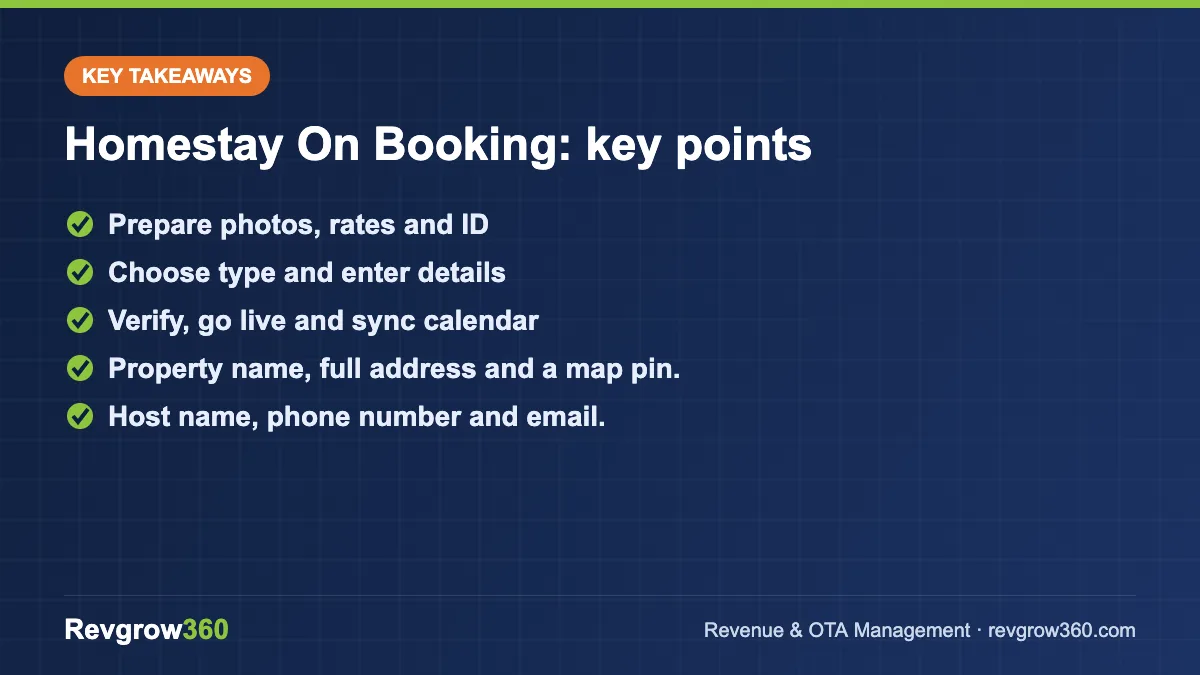
- Prepare photos, rates and ID
- Choose type and enter details
- Verify, go live and sync calendar
Is Booking.com Right for Your Homestay?
Booking.com reaches many domestic and international travellers, and it is one of the most useful channels for new homestays that need visibility. It charges a commission on completed bookings, so factor this into your pricing. For other OTA options, read our guide on how to list your hotel on Booking.com and compare it with MakeMyTrip and Agoda.
Homestays vary: a 12-room homestay in Darjeeling with a host family on-site is different from an entire villa rented as a whole. The platform offers property types that fit each. Choose the closest and answer questions honestly, since guests rely on the description when they book.
Estimate monthly income from your homestay.
What You Need Before You Start
- Property name, full address and a map pin.
- Host name, phone number and email.
- Details of rooms or the whole unit: beds, bathrooms, capacity and room size.
- List of amenities: Wi-Fi, kitchen, parking, breakfast, hot water, power backup and so on.
- Photos: at least 10 to 20 bright, clear images in landscape orientation.
- Rates and a plan for seasonal changes.
- Bank details for payouts and an invoicing name.
- Any local registration, licence or homestay certification relevant to your state. Rules vary, so confirm with the local tourism department or a CA.
- Government ID and other documents that Booking.com may request for verification.
Revenue Health Score · free
Free tool: check your hotel’s revenue health
Answer a few quick questions about your rooms, rates, OTAs and reviews. Get a score out of 100, your weakest revenue areas and the first actions to fix them.
How to List Homestay on Booking.com: Step-by-Step
- Visit the partner site. Go to partner.booking.com and choose to list your property.
- Create an account. Sign up with your email and set a password. Use an email address you check daily.
- Choose the property type. Select homestay, guest house, apartment, villa, B and B or the closest category.
- Select how guests book. Choose whether guests rent the whole place or individual rooms.
- Enter the address. Add the full address and confirm the map location carefully.
- Add the basics. Enter rooms, beds, bathrooms, guest capacity and size.
- Select facilities and services. Tick those you truly offer, including breakfast, parking and kitchen use.
- Add house rules. Set check-in and check-out times, smoking, pets, children and party rules.
- Upload photos. Lead with the best image, usually the exterior or the main room, and add captions where available.
- Set prices and availability. Add base rates, extra guest charges, minimum stay and cancellation policy.
- Add payment and invoice details. Provide bank account and tax or business details as requested.
- Verify and submit. Complete any identity or property verification steps, review the summary and submit.
- Wait for review and go live. Booking.com may review your listing. After it opens, check the extranet for your calendar and messages.
Steps and screens change from time to time. Follow the current prompts on the platform and use the official help section for any questions.
Pricing Your Homestay on Booking.com
Commission is deducted from your booking value, so set prices that cover costs and commission and still leave a margin. For example, if your target net income is ₹3,400 per night and commission is 15 percent, the listed price should be about ₹4,000 (3,400 divided by 0.85). The commission rate is an example only; check your agreement.
| Pricing item | Guidance |
|---|---|
| Base rate | Check nearby homestays of similar quality and capacity |
| Weekend and holiday rates | Raise for Friday, Saturday and festival dates |
| Extra person charge | Set clearly for guests above standard occupancy |
| Minimum stay | Use two nights in peak season to avoid single-night gaps |
| Breakfast | Include or price separately, and describe clearly |
| Discounts | Use selectively for slow dates, as in our dynamic pricing guide |
Photos and Description That Convert
Guests choose homestays partly for the experience, so show the character: the garden, the view, the dining table, a local breakfast and the host welcome. Keep rooms clean and uncluttered. Add a photo of the entry path or road so guests know what to expect.
In the description, mention nearby attractions, distance from the station or airport, how to reach, the meals served and the type of experience, such as quiet, family-friendly or good for workations. Be honest about stairs, shared bathrooms and noise, to avoid poor reviews.
After You Go Live
Respond fast
Answer guest messages quickly. Fast replies help conversion and ranking.
Keep the calendar updated
If you sell on other platforms, use a channel manager or calendar sync to prevent double bookings. Our guide to the hotel channel manager explains how.
Collect good reviews
Ask guests for a review after their stay and respond to each one. Consistent service and clear communication earn higher scores. See how to improve hotel ranking on OTAs.
Common Mistakes
- Choosing the wrong property type or unclear room setup.
- Low-quality, dark or too few photos.
- Prices that ignore commission and costs.
- Leaving the calendar open for dates you cannot host.
- Late replies to guest messages.
- No information about access, stairs or house rules.
- Ignoring local registration and tax requirements.
Launch Checklist
| Task | Done |
|---|---|
| Account created and email confirmed | |
| Property type and room setup correct | |
| Address and map pin verified | |
| Facilities, house rules and policies complete | |
| 15 or more quality photos uploaded | |
| Prices, minimum stay and cancellation set | |
| Payout and verification details complete | |
| Calendar synced with other channels |
Example: A 12-Room Homestay in Darjeeling
An owner lists a 12-room homestay with mountain views. They choose the guest house or homestay category, upload 25 photos including the sunrise view, and write a clear description of the winding access road and a 5-minute walk from the nearest parking. They set a base rate of ₹3,500 for a double room, ₹4,500 on weekends and add a ₹800 charge for an extra bed. After going live, they reply to every message within an hour, ask each guest for a review and review the extranet monthly to adjust rates by season. Figures are an example, not a forecast.
Using the Booking.com Extranet Well
Once live, the extranet becomes your control panel. Check it daily for new bookings and messages, and weekly for performance, such as views, conversion and review scores. Use the calendar to open and close dates, set rate plans, and review cancellation policies. If the extranet offers promotions, evaluate each one against your floor price before joining; read our OTA commission rates guide to understand the cost of different programmes.
Safety, Rules and Guest Expectations
Guests on Booking.com expect what the listing says. Make sure your house rules, check-in process, safety equipment and meals match what you published. Keep a register of guests as local rules require, and for foreign guests follow the Form C process through the official channel; confirm current requirements with the authorities. Clear rules and honest information reduce disputes and negative reviews.
Final Tip
Review this guide and your own process every quarter. Small improvements, such as clearer wording, better photos or a faster response routine, add up over a season. Keep notes on what changed and what result followed, so decisions rely on evidence instead of memory, and share the learning with the whole team.
Key Takeaways
- List through partner.booking.com, choosing the property type that fits your homestay.
- Prepare address, photos, rates, policies and verification documents first.
- Price to cover commission and still earn a margin.
- Keep the calendar accurate and reply to guests quickly.
- Confirm local registration and tax rules with the authorities or a CA.
New to hosting? Read how to start a homestay business in India. Revgrow360 can set up and manage your OTA presence; explore our OTA management service or book a free consultation.
Frequently asked questions
How do I list my homestay on Booking.com?
Go to the Booking.com partner site, choose to list your property, create an account, select the homestay or closest property type, add address, rooms, facilities, photos, rates and policies, complete payment and verification details, then submit for review.
Does Booking.com charge to list a homestay?
Listing is generally free, and Booking.com usually earns a commission on completed bookings. The percentage depends on your agreement and programme, so check the current terms in your account and price your rooms to cover commission.
What documents do I need to list a homestay?
Typically your ID, bank details, address and property details are needed, and Booking.com may ask for verification. Depending on your state, you may also need local registration or licences. Confirm requirements with local authorities or a CA.
How can I get more bookings after listing?
Use bright photos, an accurate description, competitive and seasonal pricing, fast replies, a synced calendar and good guest service to earn strong reviews. Review performance in the extranet and adjust rates and content regularly.
More OTA Management guides
How to List Hotel on TripAdvisor: Step-by-Step Guide
Step-by-step guidance on how to list or claim your hotel on TripAdvisor, add photos, connect booking links and manage reviews.
How to List Hotel on Google Hotels: Step-by-Step Guide
Step-by-step instructions to get your hotel on Google Hotels, from Google Business Profile to live rates and free booking links.
How to List Property on Airbnb India: Step-by-Step Guide
A practical 12-step guide to listing a homestay, villa or apartment on Airbnb in India, with pricing, photo and calendar tips.
How to List Hotel on Hotels.com: Step-by-Step Guide
A step-by-step guide to listing a hotel on Hotels.com via the Expedia Group partner process, with pricing, inventory and optimisation tips.
How to List Hotel on Trip.com: Step-by-Step Guide
A practical guide to listing a hotel on Trip.com, from documents and photos to rates, contract checks and post-launch optimisation.
Airbnb vs Booking.com for Hotels and Homestays: Which to Use?
Airbnb and Booking.com attract different guests and suit different properties. Compare the two and learn how to run both without double bookings.
Related guide: What is the role of an Online Travel Agency?
Free PDF checklist
Where is your hotel losing money?
27 quick checks on pricing, OTAs, reviews and direct bookings, with the first fix for every leak.
Get the free checklist →